How To Capture Leads After Business Hours Without Staying Up
Enquiries arrive at night, and by morning some have gone elsewhere. Count yours first, then build five layers into one widget so your site has something to say while you sleep.
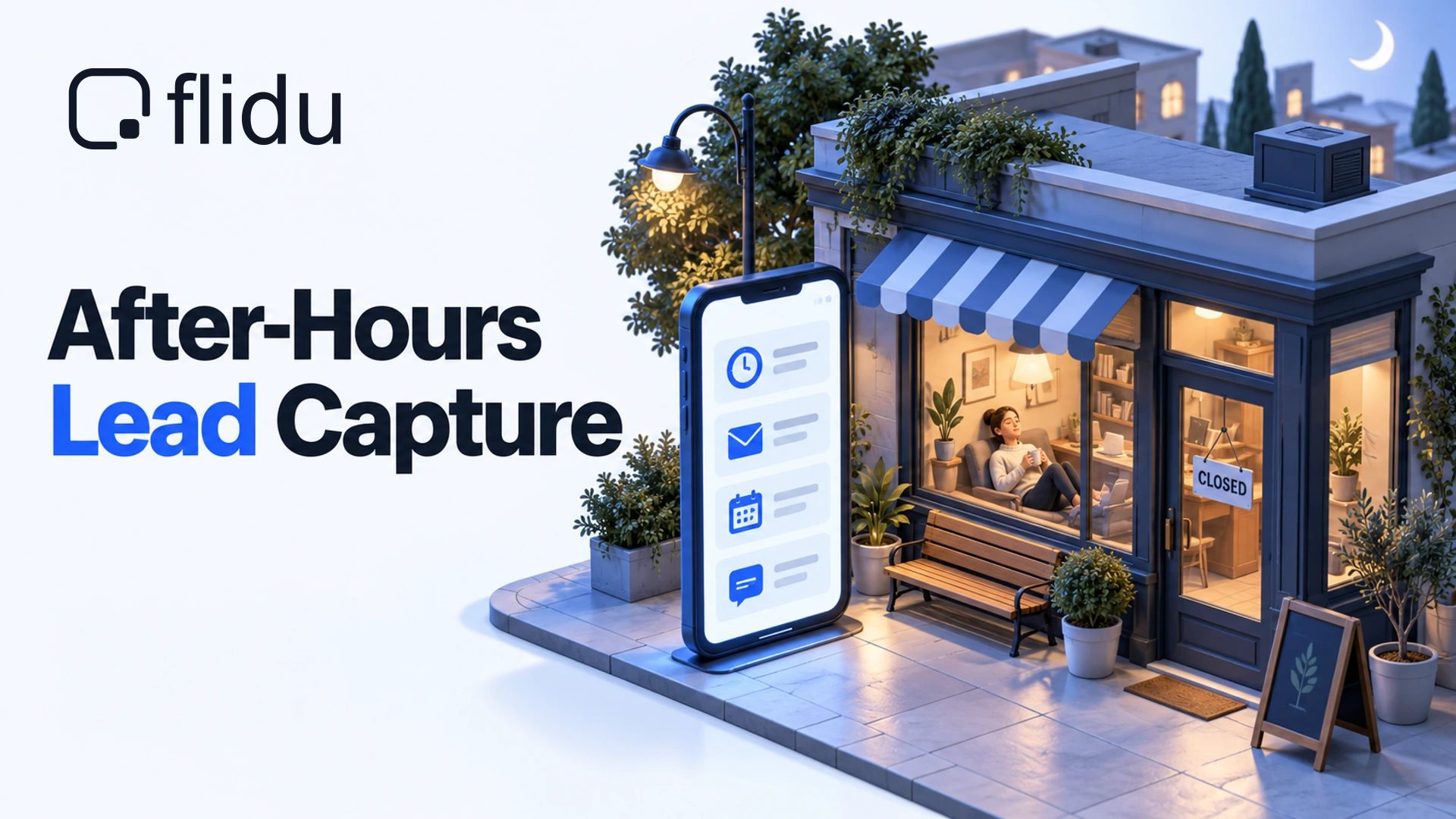
Picture 9:40 on a Tuesday night. Someone has your website open on their phone, another firm’s site in the next tab, and one small question: do you work Saturdays? Your number goes to a default voicemail. Your contact form has a Send button and no hint of when anyone reads it. Nobody is there, which is reasonable at 9:40pm. But nothing on the page says when somebody will be.
That visitor is invented, and you already know how the evening ends. Our position: to capture leads after business hours you don’t need to be awake. You need the site to say three things while you sleep: that you’re closed, when you’ll reply, and what the visitor can do in the meantime. Then you need to reply when you said you would.
Below is how to count your own night-time enquiries, then the setup we’d build for them in Flidu, the website widget we make: five layers and the plan each one needs. None of it puts a person on the phone at 9:40pm.
Count Your Own Out-Of-Hours Enquiries First
The after-hours percentages you’ll see quoted had no source when we looked, so we’re leaving them out. Your own figure is in your inbox, time-stamped, and takes about half an hour to get out.
- Pick a window. The last 30 days, or three months if enquiries are few.
- Collect first contacts only. Form notifications, enquiry emails, missed calls, and the first message of each new WhatsApp or Instagram conversation.
- Log when each one arrived and what they wanted.
- Mark every row open or closed against the hours you really keep. If you stop picking up at 4pm to finish jobs, 4:30pm is closed.
- Note what happened next. Did they answer when you replied the following day?
subject:enquiry after:2026/09/01 before:2026/10/01What The Tally Tells You
Two things come out: your out-of-hours share (closed rows divided by all rows) and, more usefully, what the closed rows were asking for. We sort those into three kinds.
- Quick answers. Do you cover my area? Are you open on Saturday? A page can handle these.
- A time. They’ve decided and want an appointment or a callback slot.
- Somebody, now. A burst pipe, a locked-out tenant. No website settles this.
A rule of thumb, and only that: if fewer than one enquiry in five arrives while you’re closed, the first layer or two below is probably enough. Above that, see which kind dominates, because each points at a different layer. And if night-time writers mostly answered your morning reply, you aren’t losing them.
What A Closed Business Owes A Night-Time Visitor
Being closed at 9:40pm is normal, and visitors know it. What sends them to the next tab is a page that doesn’t say when anyone will be back. A visitor who reads we reply by 9:30 tomorrow morning can decide whether to wait. One who reads nothing has to guess. How many will wait, we can’t tell you.
Write your own version before you open a dashboard. Every layer below carries it:
Open Monday to Friday, 8:30am to 5:30pm. Message us any time. Anything that arrives overnight gets a reply by 9:30am the next working day.Promise a time you can beat on your worst normal morning, not your best. “As soon as possible” isn’t a time. The same line belongs in two places outside any widget: your voicemail greeting and your Google Business Profile, whose hours should match the site.
How To Capture Leads After Business Hours With Flidu
Flidu is one widget in the corner of your site with up to two tabs. Contact holds the routes to you and belongs to the Website Widgets product line. Ask AI answers from pages you approve and belongs to a separate line, AI Chatbot. Each line has its own plans, starting with a Free one. We’d build the after-hours setup in five layers.
Create the widget first: in the dashboard, open Website Widgets and start the New Website Widget flow (five steps), or open the widget you already have. Each Contact layer then goes in the same way.
- Open the widget’s Channels tab and find the Channel Builder.
- Choose Add Channel and pick the channel.
- Fill in its settings, including the optional Description: up to 240 characters that visitors read under the channel’s name.
- With Enabled in draft on, choose Save as Draft, then Publish changes.
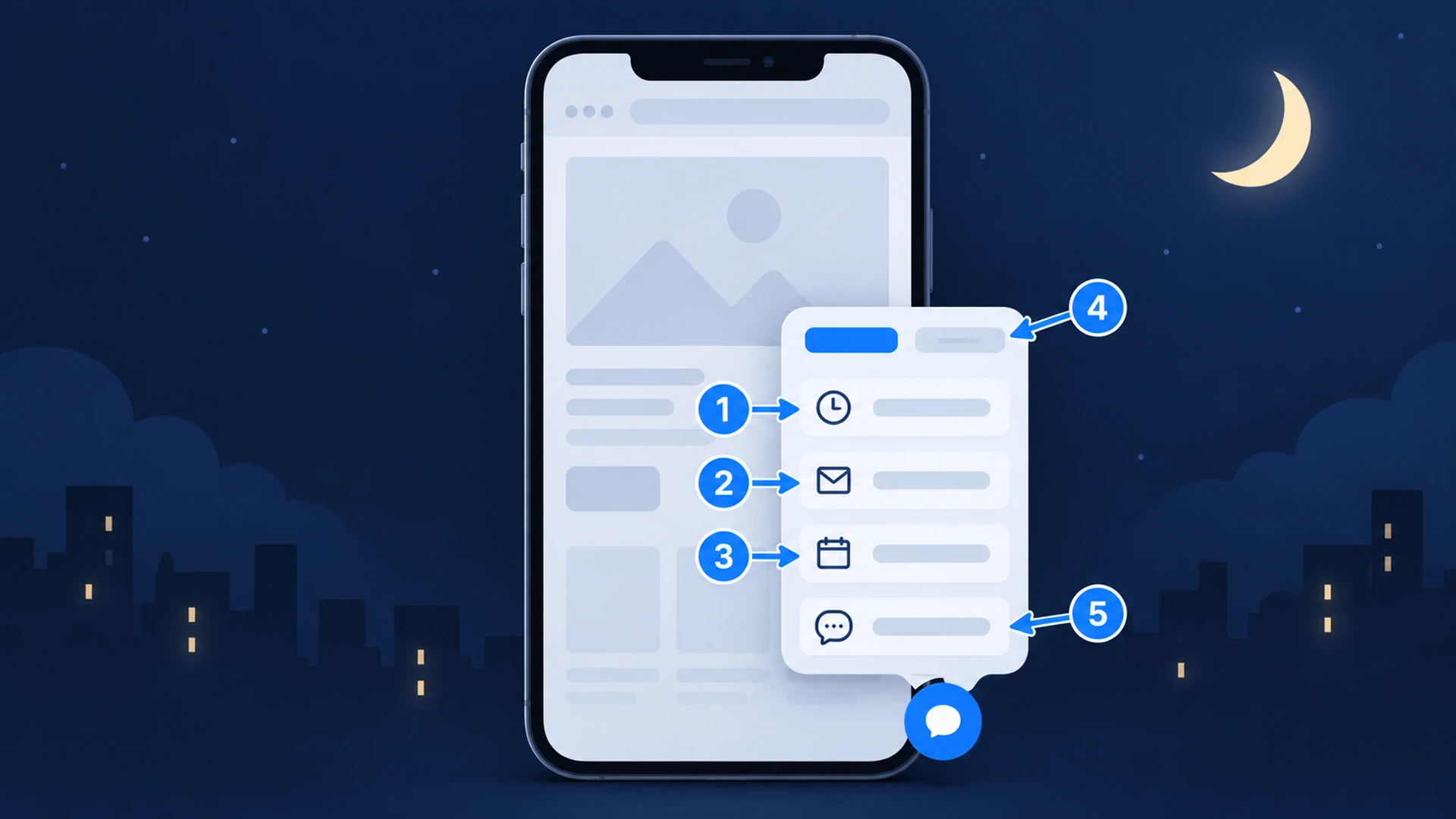
Layer 1: Business Hours, So Visitors See Your Hours And Reply Time
Add the Business Hours channel and keep Availability Mode on Custom hours. Switch on the days you work, enter the times, and set Timezone. A visitor who opens the channel sees your week laid out, with today picked out and closed days marked Closed.
The field that matters most is Note: 240 characters shown under the schedule. Put the reply promise there, and a short version in Description so it shows before anyone taps. Business Hours starts on Website Widgets Starter. It won’t know about a public holiday unless you edit it.
Layer 2: A Contact Form That Still Takes The Enquiry
The Contact Form channel asks for a name, an email and a message, plus a phone number if you switch on Phone Field. Three settings do the after-hours work:
- Notification email is where each submission goes. Use an address somebody opens first thing.
- Success Message is what the visitor sees after sending. Repeat the reply time here.
- Description puts the reply time under the form’s name, before anyone types.
Contact Form starts on Website Widgets Starter. Know what it leaves out: the visitor gets your success message on screen but no email, and submissions reach you by email only. (Stored, exportable records are the Data Hub, on Website Widgets Business.)
Once it’s live, send yourself an enquiry from your site at ten at night and check the notification arrives, and not in spam. We’ve written up how to tell whether yours is working.
Layer 3: Book Appointment For Visitors Who Want A Time
For the visitor who has already decided, only this layer finishes the job while you sleep. Book Appointment is a button that opens the booking page you already have. Paste its address into Booking URL, set the Button Label, and use Intro note for the line visitors read above the button: what the slot is for.
Flidu opens that page in a new tab and stops there. Slots, confirmations and reminders live in your scheduler. This layer starts on Website Widgets Starter. The real cost is discipline: that calendar must include the jobs you took by phone and wrote in a paper diary.
Layer 4: Ask AI For The Routine Questions Overnight
The quick-answer group only wants to know whether you cover their area and roughly what it costs. Ask AI can tell them at 9:40pm, but only from what you’ve written, so the writing comes first: a prices page and a service-area list, at least. Start from the questions your website should answer.
Then open AI Chatbots in the dashboard and choose Create AI Chatbot. In the Data Sources step, add a source (a Manual URL List reads exactly the pages you name) and press Start indexing on its card. Once it’s indexed, the last step, Preview & Connect, offers Add to an existing Website Widget: pick your published widget and finish the flow. Ask AI stays a private draft until you choose Publish Ask AI on the assistant’s Preview tab; after that it’s a second tab beside Contact. AI Chatbot Free covers one assistant, 50 indexed pages and 100 AI messages a month.
When your pages don’t cover a question, Ask AI is built to say so in its own words, and the Contact tab sits beside it. From AI Chatbot Starter, Contact Intent Capture in the assistant’s Settings tab can offer a short form when a visitor’s message asks to hear from someone; on Starter and Pro the details reach you by email. If the same five questions fill most of your nights, the FAQ channel on Website Widgets Starter answers them with no assistant at all. Write the FAQ first.
Layer 5: WhatsApp For People Who Would Sooner Message
Some customers will never fill in a form (we’d run a form and WhatsApp together for a month before dropping either). The WhatsApp channel is on Website Widgets Free: keep Mode on Single Agent, enter your phone number with its country code and an agent name, and add a Prefilled message.
Now look at Displayed Availability. A new channel is set to Always Available, which prints “Available 24 hours” on the row, and at 9:40pm that isn’t true. Choose Custom Hours and enter the hours you answer. They show under the channel’s name, unless you filled in Description, which takes that line instead.
Tapping the row opens a chat with your number in WhatsApp, and the conversation stays there. Flidu never sees it and can’t answer it. One companion on your own phone: in the WhatsApp Business app, an away message (opens in a new tab) scheduled for outside business hours tells a 10pm writer when you’ll reply (set your hours in its business profile first). If publishing the number makes you uneasy, we’ve covered whether it’s safe to publish your WhatsApp number.
Last, install it once: copy the snippet from the widget’s Install tab and paste it just before the closing body tag. There’s no plugin, and later changes happen in the dashboard. The setup guide has the full sequence.
What Each Layer Needs By Plan
Three of the five layers need a paid plan; prices are on the pricing page.
| Layer | Starts On | What It Will Not Do |
|---|---|---|
| Website Widgets Free | Reply for you, or keep the conversation | |
| Business Hours | Website Widgets Starter | Know about a holiday you have not entered |
| Contact Form | Website Widgets Starter | Email the visitor an automatic reply |
| Book Appointment | Website Widgets Starter | Hold slots or send confirmations |
| Ask AI | AI Chatbot Free | Answer what your approved pages do not say |
Which Layers To Switch On For Your Size
How One Person Can Capture Leads After Business Hours
Say you’re a mobile dog groomer working alone, in the van or mid-clip from eight until five. You can’t answer by day, never mind at night, so the business runs on replying later anyway. Start with what costs nothing, and add a layer only when the tally asks for it:
- The WhatsApp layer on Website Widgets Free, with Custom Hours showing and the away message set on your phone.
- On Website Widgets Starter, Business Hours with the reply note, then the Contact Form with the phone field on.
- Book Appointment, pointing at one booking page for the standard groom.
Leave Ask AI until your FAQ outgrows a page.
What Changes With A Team Of Five
Now say you run a five-person physiotherapy clinic with a receptionist in from nine to five. Same layers, two differences.
- Ownership. The form’s notification email is one address. Name who clears it each morning, and a backup.
- More to answer. Which insurers you take and what to bring to a first visit, for a start. With that written down, Ask AI starts to pay its way.
Where Flidu Stops
Nobody replies until morning. Every layer above either tells the visitor something or takes something from them. None of them is a person. Flidu isn’t live chat and isn’t an answering service: it takes no phone calls, and nobody on your team can step into an Ask AI conversation.
That matters most for the third kind of enquiry in your tally, the people who need somebody now. For an emergency trade, a telephone answering service is often the better buy, and we don’t make one.
The widget can carry a number that’s answered at night as a call button: add a Custom Link channel, set Display label to “Call now”, type the number into Link URL and choose the Phone preset icon. Website Widgets Free allows it, but below Business a widget gets one live Custom Link. A tap opens the dialer (a desktop needs a calling app). Analytics, from Website Widgets Starter, shows a Custom Link click, not a completed call.
The Part You Still Have To Do At 8:30
All of this moves work from the night into the next morning. The cheapest way to capture leads after business hours is still a person who replies when the page said they would.
Give the first half hour of the day to it. Reply in the channel the person used and answer their actual question in the first line. If they asked whether you work Saturdays, the reply opens with yes or no.
Once a month, be your own night-time visitor. At about ten, open your site on your phone and try to get a simple question answered. Leave your details and note when the reply reaches you. Then re-run the tally. If night-time writers still go quiet, switch on the next layer.