Is An AI Chatbot Worth It For A Small Business? Often Not
Everyone is pitching you a chatbot. Twenty minutes with your inbox and call log will tell you whether to listen, and what to put on your site either way.

For a lot of small business websites, the answer is not yet. If your site has five pages and a handful of people get in touch each week, the chatbot you keep being pitched will sit in the corner, field a couple of questions a month and add a line to your card statement.
We build one of these tools, so we have every reason to tell you otherwise. But is an AI chatbot worth it for a small business is a question you can settle with three numbers from your own inbox and phone log, and for many owners those numbers say no. Either way, we’ll show what we’d set up.
You Are Not Wrong To Dislike Them
If you close chat pop-ups on other people’s websites without reading them, you already know how some of your visitors will treat yours.
In a Gartner survey of 3,566 business and consumer customers (opens in a new tab), run in February and March 2026, 49% said they would have been willing to use a chatbot had the company offered one, yet only 7% had used one in their most recent service interaction. Just 27% said they would try one again after a bad experience.
Those were customers of companies in general, not visitors to a five-page local site, and we haven’t seen a small-site figure we’d trust. The direction is hard to miss, though.
Is An AI Chatbot Worth It For A Small Business? Run Three Checks
You need twenty minutes, your inbox, your phone’s call log and whatever messaging app customers use. The thresholds are our own rules of thumb, with no study behind them.
Check One: Count Your Repeat Questions
A repeat question is one you’ve answered before in roughly the same words, such as your opening hours or what a first visit costs. Count them across your last two weeks of enquiries.
Date | Question as asked | Asked before? Y/N | Out of hours? Y/N | Answered on the site? Y/NOur rule of thumb: under 10 repeat questions a week, not yet. Between 10 and 25 is borderline. Over 25 is worth a test.
Ten three-minute answers add up to half an hour a week, and an assistant won’t catch them all, because plenty of people will still phone or message you (remember the 7%). That doesn’t repay an afternoon of setup.
This count can’t show the visitor who had a question and left without asking. Nobody knows that number, including whoever is selling you a chatbot.
Check Two: See When Enquiries Arrive
A chatbot’s one clear advantage over you is that it’s awake at 11pm. Take your last 30 enquiries that carry a timestamp (emails, form submissions, missed calls, messages) and count how many arrived when nobody was there to answer.
Rule of thumb: if fewer than a quarter arrive out of hours, that advantage is going unused. A third or more is the strongest single argument for an assistant.
Then read the late ones. “Do you cover Hillside?” can be answered from your site. “Can someone come tomorrow morning?” can’t.
Check Three: Find The Answers On Your Own Site
Write down your five most common repeat questions and, for each, find the sentence on your website that answers it. A real answer, with the number or the town name in it. “Contact us for pricing” doesn’t count.
This check matters most. A chatbot cannot answer what your website does not say. Score yourself out of five. Two or fewer means not yet. Four or five gives an assistant something to work with.
Reading Your Three Numbers
| Check | Not Yet | Borderline | Worth A Test |
|---|---|---|---|
| Repeat questions per week | Under 10 | 10 to 25 | Over 25 |
| Enquiries arriving out of hours | Under a quarter | A quarter to a third | A third or more |
| Top five answered on the site | 0 to 2 | 3 | 4 or 5 |
Read the bottom row first. A “not yet” on check three overrides the other two: fix the pages, then count again. Otherwise, two or three results in the right-hand column justify a small test.
The Thin Brochure Site: Not Yet
Say you run a two-person landscaping firm with a five-page site and six enquiries a week, most opening with “do you work in my area and roughly what would it cost?” The checks give four repeat questions a week, three of 30 enquiries out of hours and one of the top five answered, because the towns are listed and the prices aren’t.
An assistant there would read five pages, find no prices and tell most visitors it has no answer. That firm needs a “from” price on its services page and a one-tap way to reach a person.
When Is An AI Chatbot Worth It For A Small Business?
When the profile is the reverse. Picture a physiotherapy clinic with thirty-odd pages on treatments, fees, insurers, parking and cancellation rules. The front desk answers the same eight questions all day, many web enquiries arrive in the evening, and every answer is already on the site, where nobody will find it on a phone. An assistant that pulls up the right paragraph is doing real work there.
If The Checks Say No, Start With A Flidu Contact Widget
A no doesn’t mean leaving the corner of your site empty. It means the visitors you have want you, quickly, and the cheapest useful thing is a button that opens a real conversation. That is the Contact side of Flidu, a product line called Website Widgets. Its Free plan covers one website and one published widget, with a WhatsApp button on a single number and a call button.
- Create the widget. In the dashboard, open Website Widgets and start the New Website Widget flow. At its Starting Setup step choose Start from scratch and leave the Channels step empty for now. If you already made a site during sign-up, open it from Website Widgets instead.
- Add WhatsApp. On the widget’s Channels tab, press Add Channel and pick WhatsApp. In Single Agent mode, enter the number you want to publish, country code included, and an agent name. Fill in the optional Prefilled message too, so the visitor isn’t facing a blank box.
- Publish the channel. Use Test on WhatsApp to confirm the chat opens on the right number, press Save as Draft, then Publish changes.
- Add a call button if customers phone. Press Add Channel again and pick Custom Link. Type “Call now” as its Display label and your phone number in Link URL, choose the Phone preset icon, then save and publish as before.
- Install once. Copy the snippet from the widget’s Install tab and paste it just before the closing body tag of your site, or into your site builder’s custom-code area. The install guide shows where. Later changes need no reinstall.
- Tap it yourself. Open your site on your phone, tap the launcher in the corner, then WhatsApp, and send the message.
Know where this stops. The WhatsApp button hands the visitor to WhatsApp and that ends Flidu’s part. Nothing from the conversation is stored in the dashboard, and the reply still has to come from you. The call button needs a calling app on a desktop, and a tap counts as a Custom Link click, not a completed call. Below Website Widgets Business it is the only Custom Link a widget can have live. On Website Widgets Free you see usage counters, not which button was tapped. Business Hours, the in-widget FAQ channel and the Contact Form start on Website Widgets Starter.
Then Write The Answers On Your Pages
The other half of a no costs nothing. Put the answer where the question happens: a price range on the services page, the service area beside your phone number. Many repeat questions exist because the page that prompted them stops one sentence short.
Then write a short FAQ page of ten real questions with direct answers. On a thin site it does more than an assistant can, and it becomes the assistant’s source material if your numbers change.
If The Checks Say Yes, Add Ask AI In Flidu For Five Questions
Small is the whole strategy. A bad answer costs more than no answer (that 27% again), and you answer for whatever the assistant says.
In February 2024 a British Columbia tribunal ordered Air Canada to pay a passenger (opens in a new tab) 812.02 Canadian dollars after its website chatbot gave wrong information about bereavement fares. The airline argued it couldn’t be liable for what the chatbot said. The tribunal replied that it was “responsible for all the information on its website”, static page or chatbot. One Canadian small-claims ruling isn’t the law where you trade, but it’s the safe assumption.
So five questions answered correctly every time beat fifty attempted. The Free plan on Flidu’s AI Chatbot line is about the right size for that test: one assistant, 100 AI messages a month and 50 indexed pages. Build the Contact widget from the last section first, so anyone the assistant can’t help has a Contact tab to switch to.
- Pick five questions and write the answers down. Choose stable, factual ones (opening hours, the areas you serve, how booking works) and leave out anything that needs judgment, like a quote. Put each answer in the body of a page, in one plain sentence. Flidu indexes a page’s main text and leaves out its header and footer, so hours that sit only in a footer belong in the body too. Our guide to preparing website content for an AI chatbot covers the full tidy-up.
- Create the assistant. Under AI Chatbots, press Create AI Chatbot. Five steps follow: Basics, Data Sources, Behavior, Fallback and Preview & Connect.
- Feed it only those pages. At Data Sources, press Add Source, choose Manual URL List and paste the addresses of the pages holding your five answers, one per line. AI Chatbot Free allows one website, sitemap, URL-list or text source per assistant, so it reads only these pages. Press Start indexing; the connect options stay unavailable until it finishes.
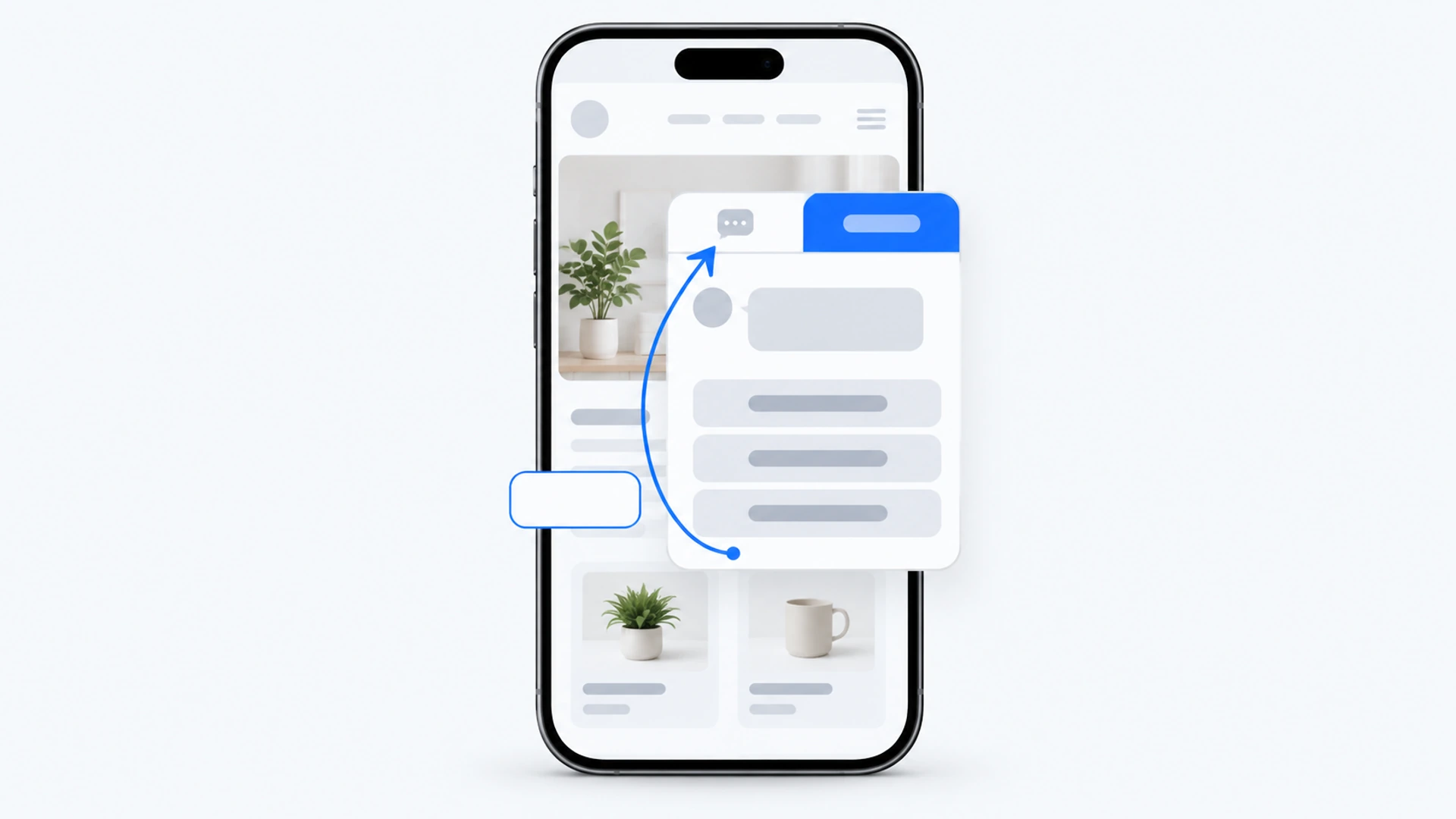
- Connect it to your Contact widget. Continue to Preview & Connect. Behavior and Fallback turn read-only once indexing begins; their settings stay editable on the assistant’s own tabs. Choose Add to an existing Website Widget, pick yours and press Connect Now. Contact and Ask AI then share one widget and the snippet already on your site. There’s no fallback message to write: when your pages don’t cover a question, Ask AI is built to say so in its own words.
- Test before visitors do. In the preview, ask each question three different ways, then five things it should decline. Preview questions come out of the same 100 messages, so that is 20 gone. Thirty awkward questions make a fuller script.
- Show visitors what it is for. Press Create AI Chatbot, then Open AI Chatbot. On the Suggested Questions tab, add the prompts a visitor can tap when Ask AI opens. Free shows up to three at once.
- Go live and set a date. On the Preview tab, press Publish Ask AI, because a connected assistant stays a private draft until you do. Put a review in your calendar 30 days out.
What The Free Plan Will Not Do
- No question list. AI Chatbot Free isn’t a trial, and its cap is hard: once the 100 messages are used, visitors see “This feature is temporarily unavailable.” until the allowance resets, Contact keeps working and nothing is billed. You see how many messages were used, never what was asked. That list starts on AI Chatbot Starter, as does Manual Q&A for facts that sit on no page.
- Upkeep is yours. Ask AI re-reads a page only when you press Recrawl on its source, so press it after a price or policy change. Recrawls have a monthly allowance, so batch your edits. If nobody will own that job, your answer is still no.
- Nobody can take over. No plan lets your team step into a conversation. A visitor who wants a person switches to the Contact tab.
Decide Again After 30 Days
A test with no end date quietly becomes a fixture. Start with the AI messages meter on the assistant’s Usage tab, read just before its monthly reset date, minus your own test questions. As a rule of thumb, fewer than about 20 visitor messages in the month means visitors have voted. Pause AI Chatbot, on the assistant’s Settings tab, stops Ask AI responding while your Contact options stay active.
Then run check one again for a week. If the repeat questions reaching you by phone and email haven’t dropped, the assistant isn’t fixing the problem you set it up for.
If the meter is busy, you’ll want the list of what people asked, which starts on AI Chatbot Starter. Reading it becomes a monthly job, and we have a routine for unanswered chatbot questions.
Pausing is a legitimate result. If you do, leave the five answers you wrote on your pages exactly where they are. They were doing most of the work.