
Website Traffic But No Enquiries? Check These Four In Order
Before paying for more visitors or a redesign, find out which of four things is failing. Three of them are about how easy you are to reach, and we show the setup for each.

Pull up two numbers for last month. The first is visits to your website; the second is enquiries that began there, which means form submissions plus every call, WhatsApp message, DM and email from someone who had looked at the site first. Divide the second by the first.
Say the site had 1,400 visits and you can name three enquiries. That is about 0.2 percent, or one enquiry in roughly 470 visits. Write your own figure down. Every fix below has to move it.
A figure that small is what people mean by website traffic but no enquiries. Our position: don’t buy more traffic and don’t commission a redesign. Not yet. Check four things first, in order, because an early fail hides the ones after it. One is who arrives. The other three are about how hard you are to reach, and for those we show the setup in Flidu, the widget we build.
Get The Sum Right Before You Blame The Website
People undercount the enquiry half of that sum.
When Website Traffic But No Enquiries Is A Counting Error
An enquiry isn’t only a form email. The visitor who reads your services page and then rings the number in the header has enquired through the website too.
For two weeks, keep a paper tally by the phone. Whenever someone gets in touch, ask how did you find us? and note whether the website came into it. If the sheet shows eight enquiries where you believed there were two, the thing to fix is the counting. (Track website enquiries without a CRM turns that tally into a one-sheet log.)
The Four Checks And Why The Order Matters
The order follows the visitor, from arriving to hearing back.

| Check | Quick Test | The Fix |
|---|---|---|
| 1. Right traffic | Read the searches that brought visitors in | Better targeting |
| 2. Contact path on every page | Count the taps from a landing page | A Contact widget with WhatsApp |
| 3. Low-commitment option | Ask a small question without a form or call | A prefilled message, FAQ or Ask AI |
| 4. Someone answering | Have a friend enquire, and time the reply | Business Hours, a form, and you |
Work through them in sequence and stop at the first clear fail. Fix that one thing, count enquiries for a month, then redo the sum. Change four things at once and you’ll never know which one worked.
Check One: Is This The Right Traffic?
Traffic is the right kind when the person arriving could plausibly buy from you: they want what you sell, and they are somewhere you serve.
Run the test in Google Search Console. Open the Performance report (opens in a new tab) and read the Queries tab. Then open Pages, click your busiest page so the report filters to it, go back to Queries, and ask of each search whether the person wanted to hire someone or to look something up. If you pay for Google Ads, the search terms report (opens in a new tab) does the same for clicks you bought.
Say you are an accountant in Leeds whose most visited page is a blog post explaining a tax deadline, and every query in the report is a variation on the date. Those readers got their answer and left. No button turns that post into a source of enquiries.
So redo the sum using only sessions that landed on service, pricing or contact pages. Say that comes to 60 visits and the same three enquiries. One in twenty is a different story from one in 470: the pages meant to sell are selling, and your shortage is the right visitors, a job for whoever handles your SEO or ads.
Check Two: Is There A Contact Path On Every Page?
Assume the right person has arrived, probably not on your home page. Open your busiest landing page that isn’t a blog post, on your own phone, and try to reach yourself. Count the routes and the taps each takes, then use every one of them: send the form and wait for the email to arrive, tap the phone number and see whether the dialer really opens. A broken form looks exactly like no demand. (Nobody fills out your contact form has the full form test.)
A fail is a single route, typically a form on a separate Contact page, or any route that goes nowhere without saying so.
The Fix In Flidu: A Contact Widget With WhatsApp
A Flidu Contact widget is a launcher in the bottom corner of every page that opens a short list of ways to reach you and stays put while the visitor scrolls. The WhatsApp channel is on the Free plan of the Website Widgets line.
- Sign up, open Website Widgets in the sidebar and click Create Your First Site. If sign-up already gave you a site, open it there and skip to step 4.
- Fill in Website Details: a name, your domain (bare, like example.com) and a notification email. Under Starting Setup pick Start from scratch: the other option adds a Contact Form, which needs Website Widgets Starter to go live.
- On the Channels step tick WhatsApp. On Appearance, choose the corner under Position, then finish with Create Website Widget.
- Open the widget’s Channels tab, click Add Channel and pick WhatsApp (the draft you ticked opens for editing). Enter the Phone number with its country code and an Agent name. Use Description, the line visitors read under the channel title, to say what the button is for, such as “Ask about a quote.” Test on WhatsApp lets you check the number.
- Click Save as Draft, then Publish changes. The channel isn’t on your site until you publish.
- Copy the snippet from the Install tab and paste it before the closing body tag of your site. Load your website once, then click Verify Installation.
The install guide covers hosted platforms. Later changes happen in the dashboard, not the snippet.
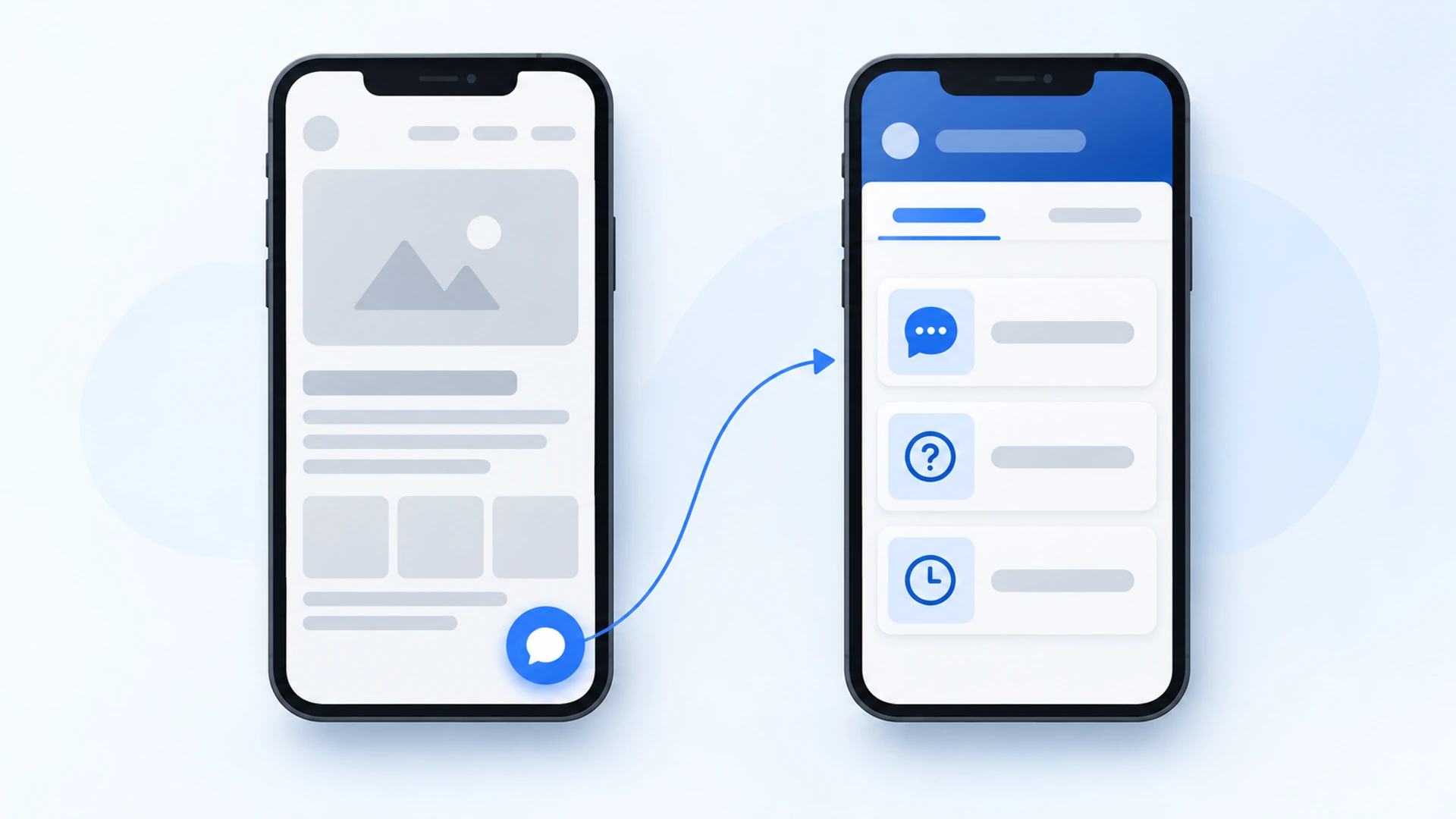
Tapping the WhatsApp row opens a chat with your number, and Flidu stores none of the conversation. Messenger, Instagram DM and Telegram are on Free too (see pricing).
For visitors who would rather phone, add a call button: Add Channel, then Custom Link under Social & Links. Type “Call now” in Display label and your number, with its country code, in Link URL, choose Phone under Preset icon, then save and publish. Website Widgets Free allows it; below Business, one Custom Link can be live per widget. On a desktop the button needs a calling app. Flidu counts a tap as a Custom Link click, not a completed call, and on Free the dashboard shows usage counters, not which channel was tapped, so keep the paper tally going.
Check Three: Can A Visitor Ask Without Committing?
A form asks for a name, an email address, a composed message and faith that a reply will come, while a call wants a conversation right now. Some visitors have only one small question: do you cover my area, are you open on Saturday.
From the same landing page, try to get that question answered without a form or a call. If you can’t, neither can a visitor.
The Fix In Flidu: A Prefilled Message, FAQ Or Ask AI
Three things do this.
- A prefilled WhatsApp message (Website Widgets Free). In the WhatsApp editor, fill in Prefilled message, then save and publish again. The chat now opens with that line already typed, so asking costs a tap and a send.
- The FAQ channel (Website Widgets Starter). Click Add Channel, pick FAQ, then Add Question for each entry, and publish as before. Answers open inside the widget. Begin with the five questions you answer most by phone.
Hi, I’m on your website and have a quick question.Ask AI is the third, and it belongs to the separate AI Chatbot line. It suits a site that already answers the small questions, on pages the visitor never opened. Open AI Chatbots in the sidebar, choose Create AI Chatbot and name it. At Data Sources, add a Manual URL List of the pages that hold those answers, up to 25 (a Website URL or Sitemap source reads only a limited batch), then press Start indexing on its card.
On the last step, Preview & Connect, try a few real questions in the preview once indexing finishes (they count toward your monthly AI messages). Choose Add to an existing Website Widget, confirm with Connect Now, then finish with Create AI Chatbot. Ask AI stays a draft until you click Publish Ask AI on the chatbot’s Preview tab. After that it is a second tab in the widget you already installed, with no second snippet.
Ask AI answers from the sources you approve. When they don’t cover a question it is built to say so, in its own words, and the visitor can switch to the Contact tab. AI Chatbot Free covers 100 AI messages a month and 50 indexed pages per assistant. And if no page says which areas you cover, the assistant has nothing to draw on, so write the page first, in the body text: indexing leaves out a page’s header, navigation and footer elements.
Check Four: Does It Look Like Anyone Will Answer?
Every route ends at a person. Ask a friend to enquire through each one on a weekday afternoon and again on Saturday morning, and time the replies.
The obvious fail is a call that rings out with no voicemail, or a WhatsApp message read the following afternoon. The quieter one is a page that never says when you are open or how long a reply takes, so the visitor has to guess.
The Fix In Flidu: Business Hours And A Form For Overnight
Two channels cover this, both from Website Widgets Starter. Business Hours shows your week inside the widget, each day with its hours or “Closed” and today picked out: click Add Channel, pick Business Hours, set Availability Mode to Custom hours, switch on each open day, enter its times, set the Timezone and publish. Use the optional Note for a promise you can keep, such as “Messages sent after hours are answered the next working day.”
The Contact Form channel is the route that works while you are asleep. A visitor at 11pm leaves a name, an email address and a message; it goes to your Notification email, and the Success Message shown in place of the form is where you say when to expect a reply (a standard “as soon as possible” line follows it). Below Website Widgets Business, submissions are emailed and not stored, so pick an address somebody reads.
Hours on a widget don’t reply, and Flidu isn’t live chat: someone still has to pick up the message. On Website Widgets Free, say when you reply in the WhatsApp Description; left empty, that line reads “Available 24 hours” by default. If nobody can watch a channel, switch it off on its row in the Channel Builder (the settings are kept) and keep the ones someone reads. An unwatched WhatsApp button is worse than none.
What Flidu Will Not Fix
It won’t fix Check One, and it won’t fix the page itself. If all four checks pass and you still have website traffic but no enquiries, test what the page says. Hand your phone to someone who doesn’t know the business, take it back after five seconds and ask what the company does, who for and where; then count the claims a doubtful stranger could verify. Our rule of thumb: a blank look, or a count of zero or one, means a writing job.
A 15-Minute Audit For Website Traffic But No Enquiries
All four checks fit into a quarter of an hour on your own phone. Use mobile data and a private tab, and score a point for every yes.
- Search Google for your main service plus your town. Does your site show up?
- Tap through. Can you start a call or a chat from that page in two taps or fewer?
- Submit the form with a one-word test name and a full sentence. Did the email arrive within five minutes?
- Is there a way to ask a short question without a form or a call?
- Are opening hours or a reply time shown beside the contact options?
- Call the business number when nobody will pick up. Does a voicemail greeting name the business?
- Without scrolling, can you tell what the business does, for whom and where?
- Is there one claim you could verify, such as a linked review?
How To Read Your Score
- A no on question 1 is Check One. Stop there.
- Points lost in 2 to 5 are Checks Two to Four, and the Flidu steps above cover each of them. Fix the earliest no first.
- Question 6 is Check Four with no software involved. Record the greeting.
- Only 7 or 8 at fault means the contact side is fine and the page needs rewriting or evidence.
- A clean eight sends you back to Check One in Search Console: the likeliest answer is too few of the right visitors.
Keep the tally going for a month, then redo the sum. If the figure hasn’t moved, you most likely fixed the wrong check. (The service business website checklist is a ten-check version of the same phone test.)
Frequently Asked Questions
What should I fix first when I have website traffic but no enquiries?
Is it a traffic problem or a conversion problem?
How many enquiries should 1,000 website visitors produce?
How do I make it easier for visitors to contact me?
Will a WhatsApp button or chat widget get me more enquiries?
 Conversion & Visitor ExperienceNobody Fills Out Your Contact Form. Is It Even Working?
 Conversion & Visitor ExperienceThe Questions Your Website Should Answer Before Anyone Calls
 Conversion & Visitor ExperienceTrack Website Enquiries Without A CRM You Will Never Open
 Conversion & Visitor ExperienceThe Service Business Website Checklist To Run On Your Phone