
Track Website Enquiries Without A CRM You Will Never Open
A small business needs two things a CRM buries under features: every enquiry caught when it arrives, and one short list of who is still waiting. Here is our setup.
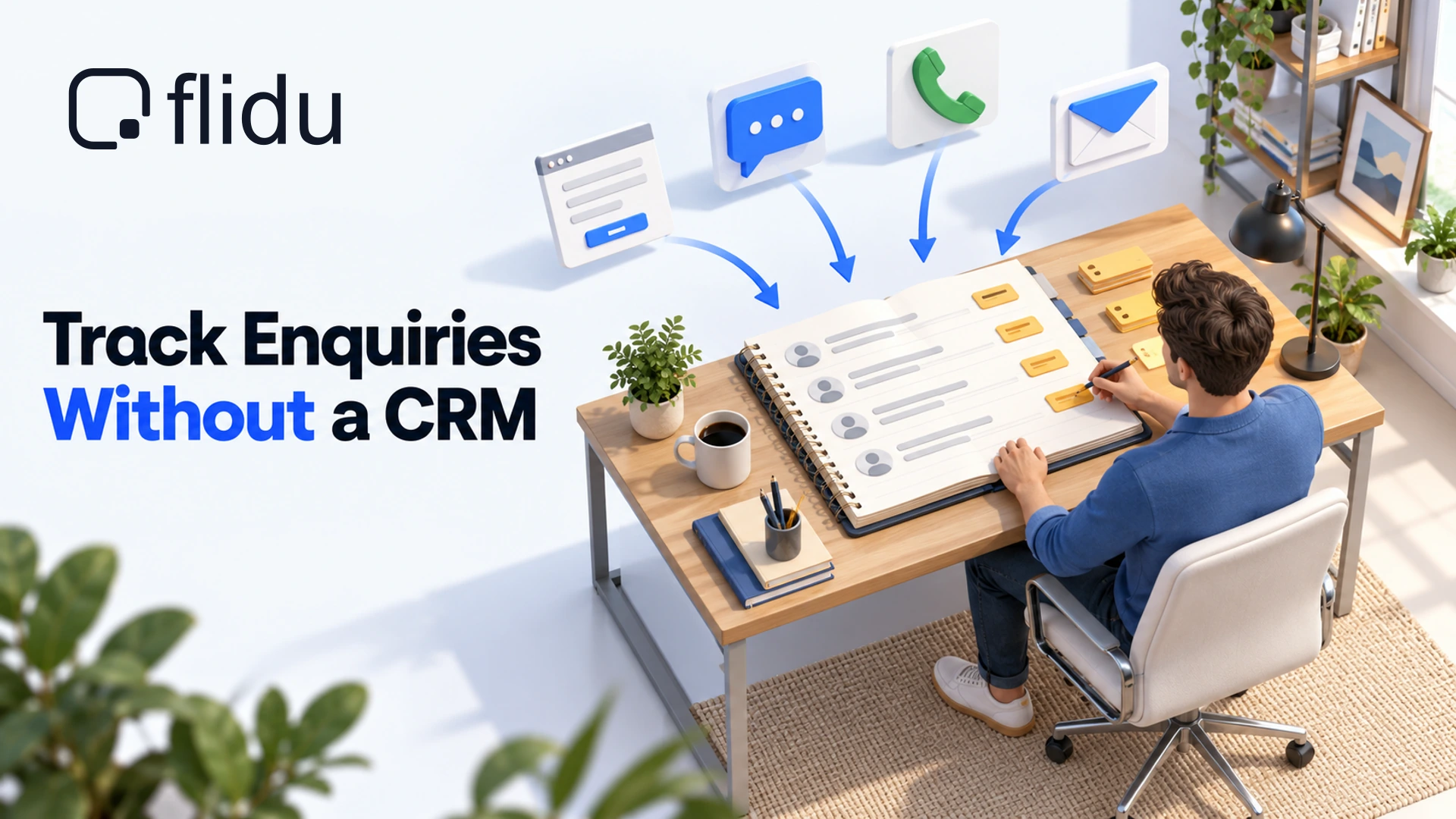
There is a particular kind of CRM account that small businesses collect. It was set up on a quiet afternoon. It holds forty imported contacts, three sample deals and a pipeline with seven stages that nobody chose. The last login was the week it was created.
That isn’t laziness. A CRM is built for a sales team whose manager wants a forecast, and it asks for upkeep to match. With eight enquiries a week and one person answering them between jobs, the upkeep costs more than it gives back.
So our advice at that size is to track website enquiries without a CRM. What you need is smaller: every enquiry caught the moment it arrives, and one short list of who is still waiting on you. Below is how we’d set that up with Flidu, the website widget we build. It is not a CRM, and we’ll say exactly where it stops.
Where Website Enquiries Go Missing
Enquiries rarely vanish. They land somewhere you weren’t looking. A typical small-business site has four doors, and each one leads somewhere different.
- The contact form emails whichever address was typed in when the site was built, sometimes a mailbox nobody opens.
- A phone call leaves one line in your call log: a number, a time, no name.
- WhatsApp messages and DMs sit in a thread that is forty chats down by next week.
- Direct email is the only one that arrives where you already work.
The follow-up you missed probably wasn’t forgotten so much as never seen.
A quick test: can you say how many enquiries came in last week without opening three apps? If not, the fix has two halves. Your website has to hand you each enquiry where you can’t miss it, and one list has to hold them all, each with a stage and a date. The first half is software. The second is a habit, and nothing you install will keep it for you.
How To Track Website Enquiries Without A CRM
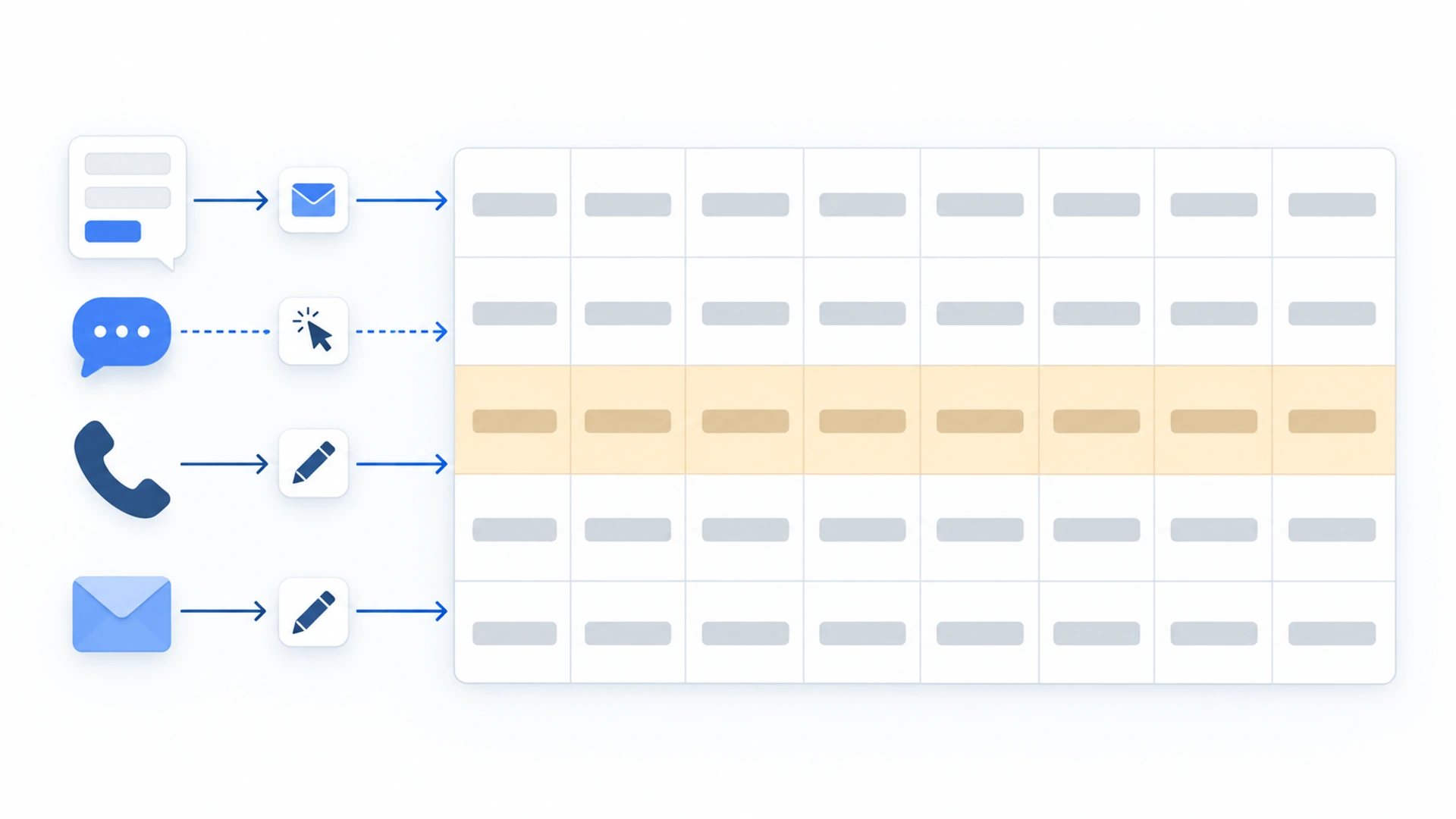
The whole system rests on one rule: every enquiry gets one line, on the day it arrives, whichever door it came through.
Here is where each piece comes from. The pricing page compares the plans in full.
| What You Need | Where It Comes From | Website Widgets Plan |
|---|---|---|
| A WhatsApp button on every page | WhatsApp channel | Free and above |
| Form enquiries sent to you | Contact Form email | Starter and above |
| Which route visitors choose | Analytics | Starter and above |
| Stored records and CSV export | Data Hub | Business and above |
| Stage and next follow-up | Your own sheet | Any plan |
The bottom row is the one to notice. Flidu hands you each form enquiry and counts the clicks on your other channels. It doesn’t know what you did next, so where an enquiry stands is yours to record on every plan.
On Free, the widget gives visitors a WhatsApp button and shows you usage counters. That is a contact route, not tracking, so the steps below assume Website Widgets Starter. A new account starts on Free. You can set the form up there as a draft, but visitors only see it once you’ve upgraded under Billing and published it.
Set Up The Capture Side In Flidu
A Website Widgets widget is a launcher in the bottom corner of every page that opens a short list of ways to reach you. Two channels do the tracking work: the Contact Form, which emails you each submission, and WhatsApp.
- Open Website Widgets in the dashboard sidebar and start a new widget. Five steps follow, from Website Details to Preview & Create. If you already created a site during sign-up, open it instead, add both channels with Add Channel on its Channels tab and skip to step 4.
- In Website Details, set Notification email to the address you read every day. Contact form messages are sent there by default.
- Under Starting Setup keep Start with the essentials, which adds a Contact Form draft. On the Channels step tick WhatsApp too, then finish with Create Website Widget.
- Open the widget’s Channels tab and click Edit on the Contact Form. Check its Notification email, write a short Success Message, and switch on Phone Field if you’d rather call people back.
- Edit WhatsApp the same way: enter an Agent name, your Phone number with its country code, and a Prefilled message such as “Hi, I’m getting in touch from your website.”
- For each channel, check that Enabled in draft is on, click Save as Draft, then Publish changes. Nothing reaches your site until you publish.
- Copy the snippet from the Install tab and paste it once, before the closing body tag of your site or into your platform’s custom-code area. Load the site once and click Verify Installation. The install guide has the steps in full.
- Send yourself a test enquiry from the live site, with a simple name such as Test and a full sentence as the message, and wait for the email. If it doesn’t arrive, fix that first: a form that doesn’t deliver looks exactly like a quiet month.
What The Notification Email Hands You
Each submission arrives as an email with the visitor’s name, email address and message, their phone number if you asked for one, and usually the page it was sent from. Hit reply and your answer goes to the visitor. Below Website Widgets Business that email is your only copy, so keep it until the details are on your list.
What Flidu Sees Of A WhatsApp Enquiry
Less than you’d hope. The button hands the visitor to WhatsApp and the conversation happens there. Flidu stores none of it. What it records is the click: from Website Widgets Starter, the Website Widgets tab of the Analytics page shows a Channel clicks total and a Clicks by channel card. Messenger, Instagram DM and Telegram channels are counted the same way. Clicks made while you were on Free aren’t filled in later.
A click is not an enquiry. Someone can open the chat and never press send, so the count tells you which route visitors prefer, not who to call back. The prefilled message makes the real ones findable: any chat that opens with your line came from the site.
On Website Widgets Business, The Data Hub Is Your Log
From Website Widgets Business, each Contact Form submission is also stored in the Data Hub, so you can stop copying details out of emails. Open Data Hub in the sidebar and go to the Records tab. Click any row for the whole record: name, email, phone, message and source page. The list filters by date range and by type.
To take the list elsewhere, click Export Filtered, then Create export. One setting to watch: under Include in Export, the Submitted Contact Fields group is off by default, so switch it on or the file arrives without names, contact details or messages. The finished CSV waits under the Exports tab. Only Owners and Admins can export, and Business keeps records for 12 months, not forever.
Now the limits. The Data Hub records what arrived through a form. It has no reply box, no stage and no follow-up date, and it never holds a WhatsApp chat or a phone call. So even on Business you need somewhere to write Quoted and “chase on the 13th”.
Keep Stage And Follow-Up In One Simple Sheet
A spreadsheet is the right size for this job, and it isn’t something we sell, so use whichever one already opens on your phone. Below Business it is your whole log, filled in from the notification emails. On Business, paste in the Data Hub export and add calls and chats by hand.
A Sheet To Track Website Enquiries Without A CRM
| Column | What Goes In It | Example |
|---|---|---|
| Date | The day they first got in touch | 6 Oct |
| Name | The person, plus their business if any | Priya Shah |
| Contact | The number or address you reply on | 07700 900123 |
| Channel | How they reached you: Form, Call, WhatsApp, Email or DM | |
| Source | How they found you, in their words | Neighbor recommended us |
| Notes | One line on what they want | Boiler service quote |
| Stage | New, Replied, Quoted, Won or Lost | Quoted |
| Next follow-up | The date you will next act | 13 Oct |
Date Name Contact Channel Source Notes Stage Next follow-upChannel and Source are the two that get merged. Someone can hear about you from a neighbor and then send a WhatsApp message, and you want both facts. Resist adding columns: every extra cell is a reason to leave the logging until tonight, which means never.
Five Stages And What Moves A Row
- New. Logged but not yet answered. On a working day, nothing should sleep here.
- Replied. You have answered, and either the next move is theirs or a call or visit is booked.
- Quoted. A price has gone out in writing.
- Won. They said yes. Clear the follow-up date.
- Lost. They said no, chose someone else, or went quiet after two follow-ups. Clear the date and put the reason in Notes.
Quoted covers two documents that people mix up, the estimate and the quotation. Our sister product Hectile explains the difference between an invoice, an estimate and a quotation (opens in a new tab). Both count as Quoted here.
Ask How They Found You, Then Write It Down
Source is the one column no email, record or click count can fill in, and the one most likely to change where you spend money. You get it by asking, in the first call or the first reply.
Thanks for getting in touch, [name]. Before we get into it, how did you find us?Type what they say in their own words, even when it’s vague: “saw your van” is worth having.
We’d ask in conversation and leave the form short: Flidu’s Contact Form sticks to name, email, message and an optional phone number. If you’d rather ask up front, the Guided Form on Website Widgets Pro can carry a single-choice question. Which buttons visitors press is already counted in Clicks by channel, and how to track WhatsApp button clicks in GA4 covers sending the same clicks to Google Analytics, which also needs Pro.
The Ten-Minute Weekly Review
Nothing in this setup will remind you to chase a quote while you’re on a roof. A CRM would, and the review has to make up for that. Pick a slot that already exists, such as Friday after the last job, and do the same five things in order.
- Overdue rows. Sort by Next follow-up. Anything dated today or earlier gets an action now: send the follow-up, or move the date and note why.
- Anything still New. A New row more than one working day old is an enquiry nobody answered. Answer it today.
- Quoted and quiet. A quote out for a week with no word gets one nudge and a new date. After two nudges, mark it Lost. (Rules of thumb. Stretch them for slow decisions.)
- Sweep for strays. Search your mail for the week’s notification emails, or open Records in the Data Hub. Then scroll the call log, WhatsApp and DMs, and add anything that never reached the sheet.
- Count, then compare. Note how many rows the week added and how many were Won. Then set your WhatsApp rows beside the WhatsApp figure under Clicks by channel, with the date range on Last 7 days.
Hi [name], checking you received the quote I sent on [date] for [job]. Happy to talk through anything in it. If the timing has changed, just say and I’ll close it off for now.The last sentence of that message earns its place: a clear no closes the row.
That comparison is worth its minute. Say Analytics shows thirty WhatsApp clicks and your sheet has four WhatsApp rows. Either visitors open the chat and back out, or messages arrived and never got logged. After a month, rows divided by visits is a real enquiry rate, the sum our guide to website traffic but no enquiries starts from.
When You Do Need A Real CRM
It happens. You can track website enquiries without a CRM for a long time, but not forever. The trigger is rarely volume. More often the list starts failing at jobs only that kind of software can do.
- Two or more people answer enquiries, and a customer has been contacted twice, or not at all, because each assumed the other had it.
- The weekly review keeps slipping, and follow-ups only happen when something reminds you at the right hour.
- Customers come back, and you need every job and conversation with one person in a single place.
- Quotes go through several versions, and a row can’t tell you which is current.
Two of these in most weeks means the sheet has done its job. By now you know your real stages and sources, and that is the specification for the CRM you buy.
Take the history with you: download the sheet as a CSV file, and on Business export your Data Hub records too. Flidu doesn’t pass enquiries to other software, so the notification email and that CSV export are the only routes out.
Frequently Asked Questions
Can I track website enquiries without a CRM?
What should I record for each enquiry?
How do I know where my enquiries come from?
How do I stop missing follow-ups?
When does a small business actually need a CRM?
 Conversion & Visitor ExperienceWebsite Traffic But No Enquiries? Check These Four In Order
 Conversion & Visitor ExperienceNobody Fills Out Your Contact Form. Is It Even Working?
 Product GuidesHow To Track WhatsApp Button Clicks In GA4 (And Call Taps)
 Website WidgetsContact Form Versus WhatsApp Button: Run Both For A Month