
How To Track WhatsApp Button Clicks In GA4 (And Call Taps)
The tap leaves your site, so analytics goes quiet. A Flidu widget can report each press to GA4 itself: this is the setup, and why a click still isn’t an enquiry.
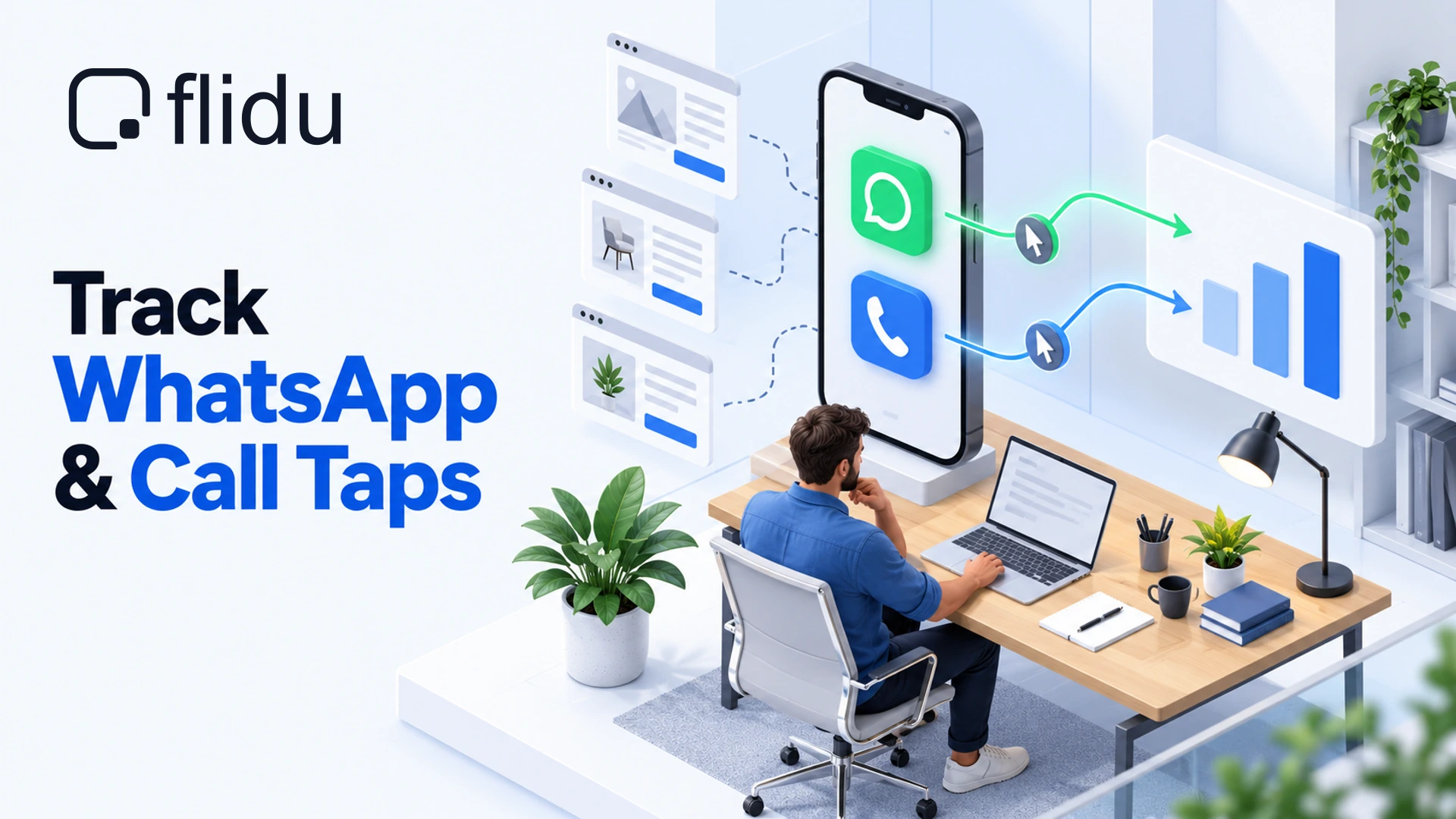
A visitor reads your pricing page, taps the green chat button and writes to you in WhatsApp. You get the message. Google Analytics gets nothing it can use, because the tap handed the visitor to another company’s app and the conversation happened there. Your reports show page views and no trace of the enquiry, so you can’t tell which page produced it, or which ad.
To track WhatsApp button clicks in GA4, the button has to report its own press, because nothing else on the page reliably can. Here is how we set that up in a Flidu widget and how to read the result by page and traffic source, with Telegram, Messenger, Instagram DM and call taps arriving on the same event. Our position: send one event for every contact press, carry the channel in a parameter, and never report it as an enquiry.
Why GA4 Cannot See The Tap
Google Analytics measures what happens on your pages, and a WhatsApp chat happens in WhatsApp, where Google’s tag doesn’t run. So the most your site can ever record is the moment before the hand-off: the press itself. Miss that, and ad budget gets decided on form submissions alone.
GA4 does try. Its enhanced measurement logs an event named click each time someone follows a link to another website. But every outbound link you have lands in that one event, your Instagram profile and your booking page included, so mark it as a key event and you’re counting all of them. It also fires for ordinary links only. Some chat buttons open WhatsApp from a script, and some sit inside a frame served from another company’s domain, where your page’s tag has nothing to notice.
How To Tell Which Case You Are In
Open GA4 on a computer, go to Reports, then Realtime, and press your current WhatsApp button on your phone. Then watch the Event count by Event name card for a few minutes.
- Nothing new appears. The button reports nothing.
- A
clickevent appears. GA4 saw an outbound link and filed it with every other external link on the site. - An event with a contact-style name appears. Somebody set this up before. Find out what it covers before you add a second count.
In the first two cases the answer is the same: move the button into a widget that announces its own presses.
Track WhatsApp Button Clicks In GA4 With Flidu
Flidu’s Website Widgets has a Google Analytics 4 Integration: each time a visitor presses a channel, the widget hands an event to the Google tag already on your page. It’s included from Website Widgets Pro upward (pricing has the plans). On Free and Starter you can fill the setting in and save it as a draft. It won’t go live.
Put WhatsApp In A Flidu Widget First
Skip ahead if your WhatsApp button already lives in a Flidu widget. A button you built yourself, or one that came with another tool, has to go: two buttons on one page give two counts, and neither is right. The WhatsApp channel is on the Free plan of Website Widgets.
Create a Website Widget; the setup guide walks through it. On the Channels tab click Add Channel, pick WhatsApp, fill in Phone number (with its country code) and Agent name, click Save as Draft, then Publish changes. Next open the Install tab, copy the snippet and paste it once, just before the closing body tag or in your platform’s custom-code area. Load your site, press Verify Installation on that tab, and once it confirms the widget was detected, remove the old button.
The Settings That Track WhatsApp Button Clicks In GA4
- Open the widget in the dashboard and go to the Visibility & Targeting tab.
- Under Integrations, find the Google Analytics 4 card and click Configure.
- Leave Measurement ID blank. The event then goes wherever your site’s Google tag already sends events.
- Type an Event name. The field starts as
flidu_widget; we usecontact_click, because one event will carry every channel. - Below Send an event when, tick Channel clicked. “Widget opened” is ticked to begin with; untick it unless you want launcher opens under the same name.
- Click Save Changes, then turn the card’s switch on. The setting is now saved but not live.
- Press Publish Changes. Nothing needs reinstalling.
GA4 event names are case-sensitive, so contact_click and Contact_Click are two events. Steer clear of names GA4 already uses for its own events, such as click. And the setting belongs to one widget: if you run several, give each the same event name.
What Arrives In GA4
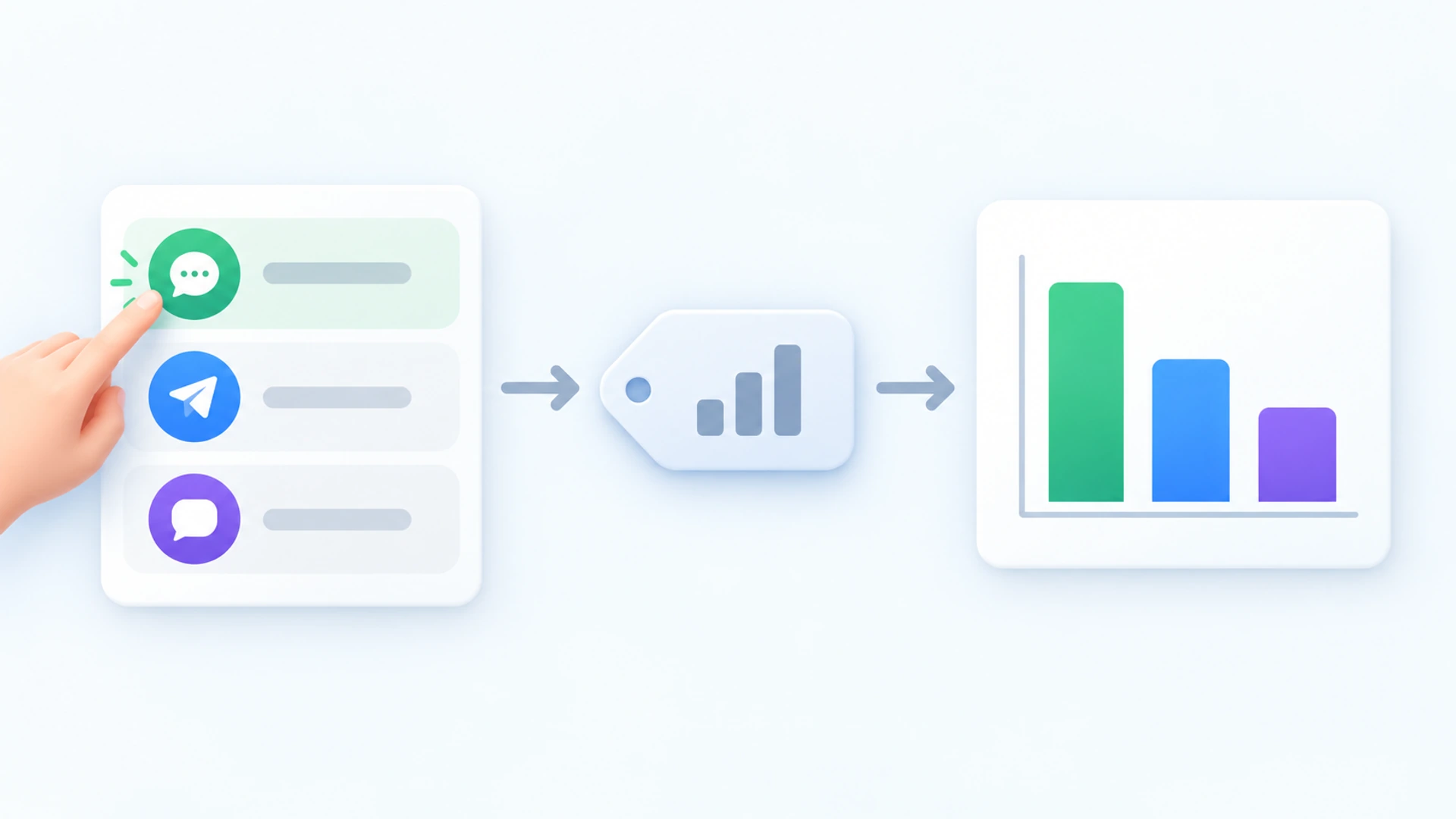
A press on a channel row sends your event with a parameter named channel that says which channel it was: whatsapp, telegram, messenger and so on. A second, flidu_action, records what kind of press it was. GA4 adds the page and the session’s traffic source itself.
gtag() function that Google’s tag defines. If it isn’t on the page, nothing is sent and nothing breaks. Google’s own reference agrees: the Google tag snippet must be on the same page (opens in a new tab), or the data isn’t sent.That matters most if your GA4 runs only inside Google Tag Manager, because such a page may not have gtag() at all. Type typeof gtag into the browser console on your site. If the answer is undefined, the integration has nothing to hand the event to; read your clicks in Flidu’s own Analytics, covered further down.
Check That The Event Reaches GA4
Open your site on your phone, press WhatsApp in the widget and go back to Realtime. Within a few minutes contact_click should be listed; select it to see the channel parameter. If it isn’t, this is what we’d check, in order.
| What You See | Likely Cause | What To Do |
|---|---|---|
| No event | The setting isn’t live | Look at the Google Analytics 4 card. “Draft changes” means press Publish Changes; a “Preview” label means the plan doesn’t publish it. |
| No event, card reads “Active” | Google’s tag isn’t on the page | Accept your own cookie banner, then run the typeof gtag check there. |
| Far more events than chats | “Widget opened” is still ticked | Untick it and publish, or filter by channel. |
| Two events for one chat | Multiple Agents mode: one press opens the list, another picks a person | Open both in Realtime. They differ in type or flidu_action; filter on whichever it is. |
Telegram, Messenger, Instagram DM And Call Taps On The Same Event
There’s nothing more to switch on. “Channel clicked” covers every row in the widget, so each channel reports under its own value: Telegram as telegram, Messenger as messenger, Instagram DM as instagram.
Forms differ, because a form finishes on your site. “Channel clicked” only reports that the Contact Form was opened; tick Contact completed too for the submission, which comes in under the same event name with flidu_action set to form_submit and no channel.
Add A Call Button To Count Call Taps
Call taps arrive on this event too, once the call button is in the widget. In Flidu it’s a Custom Link holding a phone number: on the Channels tab click Add Channel and add Custom Link, under Social & Links. Type “Call now” in Display label and your number, country code included, in Link URL. Choose Phone under Preset icon, click Save as Draft, then Publish changes.
Each tap reaches GA4 under contact_click with channel set to custom_link, where a WhatsApp press says whatsapp, so the reports below keep the two apart. A Custom Link holding an email address or a web page sends the same value, and GA4 can’t tell them apart. Below Website Widgets Business that doesn’t arise, because only one Custom Link per widget can be live.
With a preset icon the button publishes on Website Widgets Free; its GA4 event still needs Pro. And a tap isn’t a call. A phone opens the dialer with the number filled in, and a computer does nothing unless a calling app is installed.
Read The Clicks By Page And Source In GA4
From here on it’s Google’s product.
Register The Channel Parameter
GA4 collects channel but won’t show it in a report until you register it. In Admin, under Data display, click Custom definitions, open the Custom dimensions tab and click Create custom dimensions. Name it Contact channel, set Scope to Event, type channel under Event parameter and save. Google says to allow 24 to 48 hours. Do this on day one.
Give WhatsApp Its Own Key Event
Don’t star contact_click itself. It counts every row in the widget, and a key event (GA4’s word for a conversion) should mean one thing. Make a WhatsApp-only copy. In Admin, under Data display, click Events, then Create event, and fill it in as below; Google’s help page on creating events (opens in a new tab) covers every field.
Custom event name:   whatsapp_click

event_name   equals   contact_click
channel      equals   whatsapp
Google notes that a new event doesn’t apply to past data and can take an hour or more to start. Once whatsapp_click shows on the Recent events tab, click the star beside it, then allow up to 24 hours for it to reach standard reports. In Multiple Agents mode, check the table above first, or one chat may count twice. The same recipe with custom_link isolates call taps.
Build The Page And Source Report
Open Explore and start a free-form exploration. Import the dimensions Event name, Page path and screen class, Session source / medium and your new Contact channel, plus the metric Event count. Put page path in rows, Contact channel in columns (whatsapp and custom_link get one each) and Event count in values, then filter to Event name exactly matches contact_click. Swap page path for Session source / medium and the same table shows where those visitors came from, paid search included.
Import The Key Event Into Google Ads
First the Google Ads account has to be linked to the GA4 property, with auto-tagging on, and whatsapp_click has to be a key event already. Then, in Google Ads, open Goals, Summary, click Create conversion action, pick your Analytics property and select the event (Google’s import instructions (opens in a new tab) carry the current button names). Set the counting method to One, so four presses after one ad click count once. Earlier data isn’t imported.
Without Pro: Read Channel Clicks Inside Flidu
You don’t have to track WhatsApp button clicks in GA4 to count them. Website Widgets Analytics, under Analytics in the dashboard sidebar, has a Clicks by channel card on every paid Website Widgets plan, Starter included; a call button is counted there as Custom Link. Pro adds a Top pages list (channel clicks per page, all channels together) and a device breakdown. The Free plan shows usage counters only, and activity from a Free period isn’t filled in after an upgrade.
That view won’t sit beside your other Google reports or hand Google Ads a conversion. If neither matters to you yet, we wouldn’t set up the GA4 route just to have it.
A Click Is Not A Conversation
Everything above measures one thing: a person pressed a button. It doesn’t show that WhatsApp opened or that anyone hit send. A visitor on a laptop may meet an in-between WhatsApp page and give up there, and a thumb may brush the button mid-scroll. Flidu’s dashboard says as much on its own Clicks by channel card: channel clicks “are not conversions or sales”.
We don’t know what share of clicks become conversations on a typical site, and we haven’t seen a figure we’d repeat. Yours is easy to measure. Say a physiotherapy clinic logs 40 WhatsApp clicks in a week and counts nine new chats: now it knows roughly what a click is worth.
Three habits make clicks easier to match to chats:
- Let the first message say where it came from. The WhatsApp channel has an optional Prefilled message field. With Page Targeting, also on Website Widgets Pro, a second widget with its own snippet can show only on the pricing page, while the main one is hidden there, and open with “Hi, I’m looking at your pricing page”.
- Ask how they found you. Our sister agency Intense Path makes the case for asking buyers how they first heard of you, in an open field (opens in a new tab) and not a dropdown, because a dropdown teaches people the answer. In WhatsApp, your first reply is the natural place to ask.
- Write it down. One row per enquiry is enough: you can track website enquiries without a CRM in one short sheet, with a stage and a follow-up date.
After a month you’ll have counts by page and by channel. If one channel has drawn almost nothing, don’t delete it on that evidence alone: run the form and the button side by side first, and rule out a WhatsApp button that isn’t working.
Frequently Asked Questions
How do I track WhatsApp button clicks in GA4?
channel set to whatsapp. It needs Website Widgets Pro or above, and Google’s tag already on the page.Why are my WhatsApp widget clicks not showing in GA4?
Can I count WhatsApp clicks as conversions in Google Ads?
How do I track phone number clicks on my website?
channel set to custom_link, separate from whatsapp. A tap only opens the dialer; it doesn’t prove a call, and on a computer it needs a calling app.Does a WhatsApp click mean the customer actually sent a message?
 Website WidgetsWhatsApp Button Not Working On Your Website: Fixes By Symptom
 Conversion & Visitor ExperienceTrack Website Enquiries Without A CRM You Will Never Open
 Website WidgetsContact Form Versus WhatsApp Button: Run Both For A Month
 Conversion & Visitor ExperienceWebsite Traffic But No Enquiries? Check These Four In Order