What It Costs To Sell AI Chatbots To Web Design Clients
The subscription is the cheap part. Here are the hours on either side of it, costed as a service you deliver with Flidu, and the clients to turn down for now.

"Can you add one of those AI chatbots to our site?"
It usually arrives as the last line of an email about something else. And the honest answer is yes, by Friday: getting an assistant to read a site and answer visitors is the quick part.
That speed is why the videos on how to sell AI chatbots to web design clients make it look like free money, often with a monthly income figure in the thumbnail. We won't repeat one. Nobody quoting those figures knows your hourly rate, or whether your clients' websites say what anything costs.
Our position: the subscription is the smallest line in the budget, and the money is made or lost in your hours on either side of it. We build Flidu, so everything below is costed the way we'd deliver the job with its AI Chatbot.
The Four Costs When You Sell AI Chatbots To Web Design Clients
Every figure below is a rule of thumb for a brochure site of ten to thirty pages, not measured data. Time your first project and replace our numbers with yours.
| Cost | When | Rule Of Thumb | Billed As |
|---|---|---|---|
| Readiness check | Before quoting | 2 to 3 hours | Your fixed fee |
| Setup | Once | 7 to 9 hours | Your fixed fee |
| Upkeep | Monthly | 1 to 2 hours | Your monthly fee |
| AI Chatbot plan | Monthly | A fixed plan price | Its own line, at cost |
Three of the four rows are your time.
Run A Content-Readiness Gate Before You Quote
The assistant, which the product calls Ask AI, answers from the sources you approve: the client's pages, files or text you add and, on paid plans, question-and-answer pairs. If no page says what a call-out costs, it has nothing to answer from.
Ten Questions, Checked Against The Site
- Ask the client for the ten questions customers ask most, counted from sent emails and whoever answers the phone.
- Look for each answer on a public page. A PDF price list doesn't count. Neither does the owner's memory.
- Mark every answer current, stale or missing. Two pages that disagree count as missing until the client picks a winner.
- Then let an assistant try. In your own Flidu workspace, start a draft AI Chatbot on the Free plan, add the client's key pages as a Manual URL List (up to 25 pages) and press Start indexing. Once the source card reads Indexed, ask the ten questions in Preview.
The assistant step costs nothing, and only you see Preview. You come away with real answers, the pages the assistant looked at, and its reply where the site says nothing. AI Chatbot Free covers one assistant with one website source, fifty indexed pages and a hundred AI messages a month, preview questions included.
Our gate, another rule of thumb: seven of ten current, and you can quote the chatbot. Fewer, and the first thing you sell is content work, which we've written up in how to prepare website content for an AI chatbot.
Make The Result Something The Client Signs
The check is only worth charging for if it leaves a document behind: the ten questions, a status beside each, the pages to fix and your recommendation. One page. The client signs it, and from then on "the bot didn't know our prices" has a dated answer.
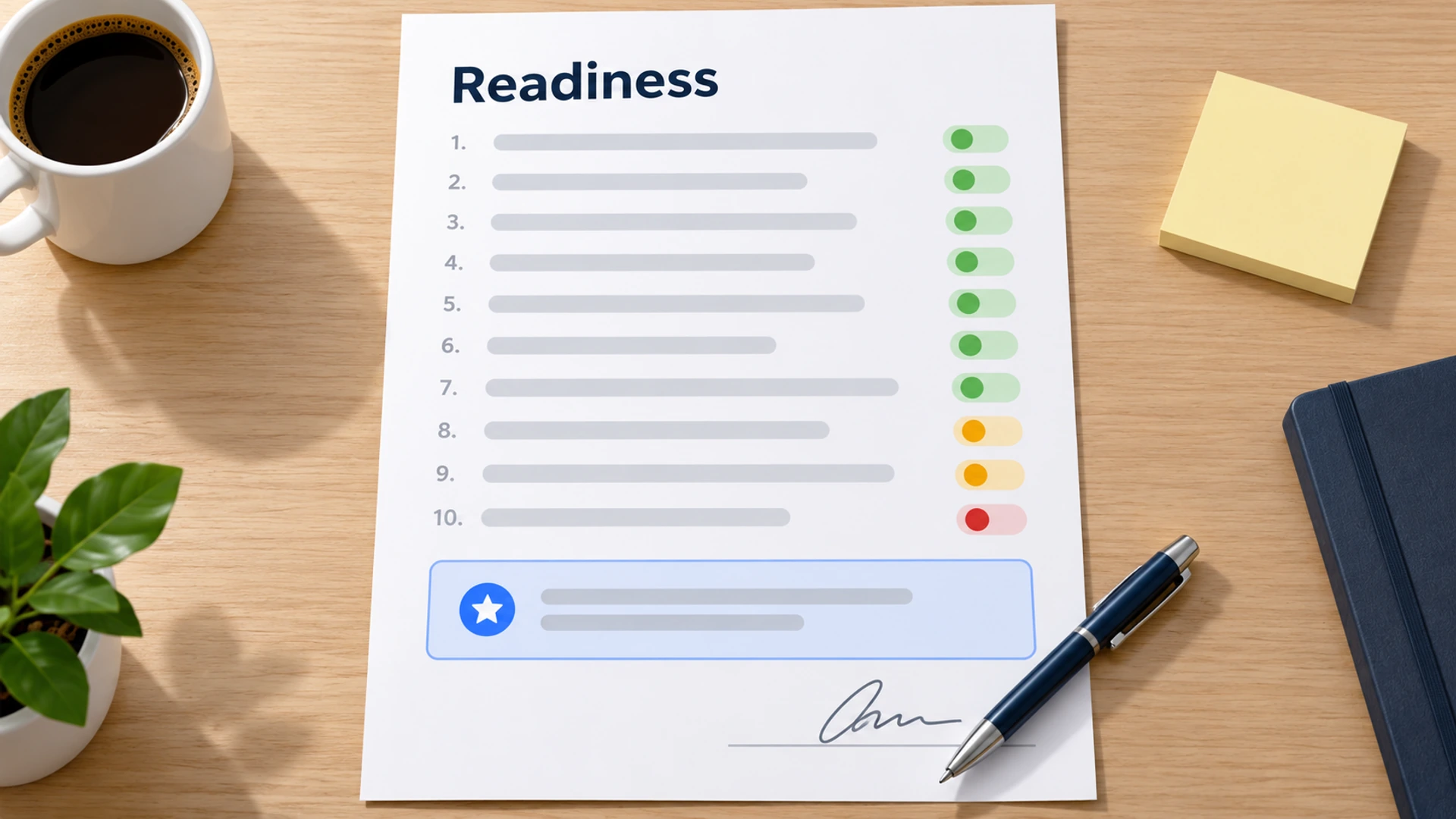
Writing it up is the dull half, and it's the step our sister product Prooflin (opens in a new tab) is made for: you supply the evidence and it drafts the findings as a report a client can read. Edit that draft before it goes out.
Setting It Up In Flidu, Hour By Hour
First the workspace: in the workspace switcher, choose Create Workspace, name it after the client, pick the AI Chatbot line and a plan. Your first workspace is free; each one after it needs an active paid plan of its own before it's available, so create it once the client signs.
- Sources (an hour). Under AI Chatbots, Create AI Chatbot opens a five-step flow. At Data Sources, list the pages in a Manual URL List (Website URL and Sitemap sources read only a limited batch per crawl) and press Start indexing. Then check Indexed Content on the assistant's Data Sources tab to see what was read.
- Gaps (one to two hours). Answers that exist nowhere go onto a page, into an uploaded file (TXT, Markdown, CSV or HTML) or into Manual Q&A, which starts on AI Chatbot Starter.
- Behavior and testing (two hours). On the assistant's Settings and Suggested Questions tabs, write the Greeting message and the Suggested Questions; from AI Chatbot Starter, add a Custom Instruction for tone. Then put the ten questions three ways each in Preview, and ask for things the business doesn't do. Our 30-question script is the fuller version.
- Client sign-off (one to two hours). They read the answers and you fix what they flag. On a one-seat plan the client has no login, so it's a screen share.
- Exit route and install (an hour). Ask AI writes its own reply when the sources are silent, so put a person within reach. Create a Website Widget, publish a channel in it (WhatsApp is on Website Widgets Free), then use Connect to Widget on the assistant's Preview tab so a Contact tab sits beside Ask AI. Ask AI stays a draft until you choose Publish Ask AI. Then paste the snippet once, following the install guide, and open the live widget on your own phone.
- Handover note (an hour). One page: where the workspace lives, who approves answers, how to request a change, what the fee covers.
Seven to nine hours, all told. Quote for two and you've given the rest away. One saving you can count on: later changes happen in the dashboard, not in the client's site code.
Upkeep Is Where The Margin Goes
A brochure site can sit untouched for a year and mislead nobody. A chatbot goes on repeating whatever the pages said the last time it read them, so each month brings the same four jobs.
- Open the assistant's Analytics tab and read Unanswered Questions. Sort each one: missing content, out of scope, or noise.
- Ask the money questions again in Preview (price, hours, area, booking) and compare the replies with the signed sheet.
- Press Recrawl on any source whose pages changed. Flidu re-reads a site when you ask, not on a timer, and each plan caps recrawls per month.
- Send the client four lines: what was asked, what was missed, what you changed, what you need.
When an answer is wrong, fix the page first and recrawl. If the page is right and the answer still isn't, save a reviewed answer under Corrections / Preferred Answers in the assistant's Settings (from AI Chatbot Starter) and re-test.
Put a rate on it. Say you bill 80 an hour, upkeep really takes an hour and a half (120 of your time) and you charge 150. Your buffer is 30 a month. One unplanned three-hour afternoon chasing a wrong answer eats eight months of it.
Who Approves Answers And Who Updates The Bot
That afternoon is what this rule prevents: the client owns the facts, and you own the mechanism. One named person at the client approves every answer about price and policy. You make the assistant say it, and you need their changes before customers see them. Put both in the agreement.
[Name] at [client] approves every assistant answer in writing before it goes live.
Tell us at [email address] before you change prices, opening hours, service areas or policies.
We update the assistant within [2] working days of your notice.
Answers based on information you had not yet sent us are outside our responsibility.
The last line looks defensive, and it is. A Canadian tribunal has already held an airline liable for what its website chatbot told a passenger (the case is in our post on chatbots giving wrong answers). Have someone qualified check the wording; we write software, not contracts.
What The Flidu Plan Costs And What It Caps
Now the fourth row. Self-serve AI Chatbot plans are hard caps with no overage charges. Each sets a monthly allowance of AI messages, a number of assistants and an indexed-page limit per assistant. Count the client's live pages before you pick one; the figures are on the pricing page.
What happens at the cap matters more than the price. Visitors see "This feature is temporarily unavailable." until the allowance resets or you upgrade. Contact channels in the same widget keep working, and the bill doesn't move. From AI Chatbot Starter, Fallback Capture (in the assistant's Settings) can show a short contact form at that point. Check the assistant's Usage tab each month; it counts messages, indexed pages and recrawls.
One Workspace Per Client, Or One Agency Preset
A workspace per client is where we'd start. Each has its own plan, usage, records and billing, so a busy month at one client can't use up another's messages. Budget AI Chatbot Starter as the floor: Free shows usage counters only, and the question lists, Manual Q&A and Corrections that upkeep runs on start there.
Starter workspaces have one seat, the Owner's, and upkeep needs that login. So the workspace is yours and the plan is a line on your invoice. If the client must own it, budget Pro on either product line, where a second seat and the Admin and Viewer roles begin.
An AI Chatbot Agency preset works the other way round: one plan in one workspace, many assistants drawing on a single monthly message allowance. It can cost less per client once you have enough, but one busy month comes out of everyone's allowance. Roles cover the whole workspace too, so a client invited as a Viewer would see the other clients' assistants.
And Flidu isn't white-label and has no reseller program. The widget carries a "Powered by Flidu" mark; Business or higher on either product line lets you hide it for that workspace. If a client needs your logo on the product, we're the wrong tool. Our agencies page shows the multi-client setup.
Two Ways To Put It On An Invoice
Separate fees, plan at cost. A fee for the check, one for setup, a monthly one for upkeep, and the plan as its own line at the price you pay. The client sees what is software and what is you, and letting go later is simpler because the plan was never part of your fee (see our website handover checklist).
One all-in monthly price. A single invoice is the easier sell, and with a hard cap you know your cost exactly. But a client who outgrows the allowance gets an assistant that stops answering, and the next plan up comes out of your margin unless the agreement says who pays.
What To Charge When You Sell AI Chatbots To Web Design Clients
We'll skip market rates, as we skipped the income figures. Build the quote from your own hours, in five lines.
Content-readiness check: fixed fee (2 to 3 hours)
Assistant setup, testing and sign-off: fixed fee (7 to 9 hours)
Monthly upkeep and four-line report: fixed fee (1 to 2 hours)
Flidu AI Chatbot plan: at cost, shown as its own line
Requests outside this list: [rate] per hour
If a client flinches at a monthly fee for "a chatbot", show them last month's four-line report. If they still flinch, sell the setup with a paid quarterly review. Upkeep can shrink that far, but not to nothing.
What Goes Wrong After Launch
Decide who fixes each of these, and who pays, before it happens.
| What Happens | Who Fixes It | Who Pays |
|---|---|---|
| A price changed and nobody told you | You, the same day, then Recrawl | Client, at your hourly rate |
| The assistant ignored an approved answer | You, with a Correction | You, inside the upkeep fee |
| The client forwards every odd answer | You, in a weekly batch | Client, above an agreed cap |
| Messages ran out mid-month | Workspace owner: wait or upgrade | Whoever the agreement names |
| Hardly anyone uses it | You say so first | Nobody, once it is removed |
We'd bet on the first row, and the change-notice clause is the only real defense. The last row is the one people hide. Agree a 90-day review at the start, with removal as a respectable outcome.
When To Sell AI Chatbots To Local Businesses And When To Say Not Yet
The hardest version of this sale is the small local business. A five-page plumber's site often has no prices or service area, and its opening hours live on Google. An assistant has nothing to read. Say not yet when any of these is true:
- The ten-question check comes back under seven.
- Nobody at the client will put their name to the answers.
- Prices or stock change weekly and there's no routine for telling you.
- Most questions need judgment: a diagnosis, say, or a quote that depends on a site visit.
- Traffic is so low that a month of questions would fit on a sticky note.
Not yet isn't no, and if you billed the check it's a paid result. Sell what it turned up: a prices page, or a Contact-only Flidu widget with a WhatsApp channel and a call button (both on Website Widgets Free), plus the FAQ channel from Website Widgets Starter. The call button is a Custom Link: type the client's phone number into its Link URL field, pick the Phone preset icon and label it "Call now". Below Website Widgets Business a widget gets one live Custom Link, and on a desktop the button needs a calling app.
The same installed script takes an Ask AI tab later, with no reinstall. (More ideas in upsells for web design clients.) Then run the ten questions again in three months.
Which gives you a reply to that first email: "Yes, probably. First I'd like a couple of hours to check whether your site can answer its own ten most common questions, and here's what that costs."