Upsells For Web Design Clients Who Will Not Buy Maintenance
Clients on hosted builders are right to refuse a care plan. Sell small recurring jobs that leave evidence instead, and run most of them from one widget so the work stays small.

"Doesn't Squarespace already do that?"
If you build on a hosted platform and you've pitched a care plan lately, you've heard some version of that, usually said kindly, right after you finish listing backups and updates. The client isn't being difficult. They're right.
So the two usual upsells for web design clients, hosting and maintenance, are gone before you've finished the sentence, because the platform does both without you. We'd stop selling upkeep nobody can see and sell small recurring jobs that leave evidence the client can check each month. Here are eight. Two you do by hand. Six run through one widget on the client's site, shown below with its setup, plans and limits.
Why The Maintenance Pitch Stopped Landing
On self-hosted WordPress, maintenance is real work: plugins to update, updates that break things, backups to restore. A hosted builder removes most of it. Squarespace, for one, describes its hosting as fully managed and adds SSL certificates to connected domains automatically. So the client hears "maintenance plan" as a fee for something their subscription already includes.
But nobody at the client's business checks that an enquiry sent at 9pm reaches a person, or that the holiday hours are right. That work is worth paying for. Calling it maintenance is what loses the sale.
Upsells For Web Design Clients Have To Leave Evidence
Here's the test we'd put any monthly service through: could you prove it happened in a two-line email?
"Updated your plugins" fails on a hosted builder, because nothing happened. "Set your Easter hours on Google and in the site widget, and flagged two reviews for your reply" passes.
The test protects you as well: a service with a visible monthly output has edges, and both of you can tell when a request falls outside them.
Two Add-Ons You Deliver By Hand
Google Business Profile Upkeep
A local business's Google profile goes stale quietly. Set special hours before each public holiday (Edit profile, then Hours, then Special hours), add new photos, and flag reviews that need the owner's reply. Ask the client to add you as a Manager, not an Owner (Google's access guide (opens in a new tab) has the steps). A Manager can edit the profile but can't remove it or add other users.
Monthly Content Updates With Sign-Off
The closest thing here to old maintenance, with two additions that make it sellable: a cap and a paper trail. The client gets a fixed number of changes a month, requested by a cut-off date, each approved in writing before it goes live.
Includes up to 3 content changes per month.
Send requests to [email address] by the 20th.
Each change is published after your written approval.
Unused changes do not carry over.
Work beyond this is billed at [rate] per hour.
When a wrong price shows up, "you approved this on the 14th" ends the argument.
Six Add-Ons You Can Run From One Flidu Widget
The other six share one piece of software, and it's ours, so read this part knowing who's talking. Flidu is a widget that sits in a bottom corner of the client's site. Its Contact tab holds the ways to reach the business; its Ask AI tab answers visitors' questions from the client's own pages. One pasted script loads both, and later changes are made in a dashboard without touching the site, which keeps these cheap to run. Our agencies page has the longer tour.
An Enquiry Widget On Every Client Site
A typical small-business site has a form on the contact page and perhaps a chat link someone pasted into the footer. That patchwork is hard to report on, because each piece keeps its own count or none. Put WhatsApp and a short Contact Form in the widget and a visitor on a phone can reach both from any page, with one set of counts behind them.
The recurring part is the test. Once a month, open the widget on the live site, send the form under the name Test with a full sentence giving the date, send a WhatsApp message, and check with the client that both arrived. Their receipt is one line: "every contact route tested on the 3rd, all delivered".
An Ask AI Assistant That Answers From The Client's Pages
Ask AI answers from sources the client approves: the site's pages, uploaded text files, or question-and-answer pairs you write by hand (Manual Q&A). Where those don't cover a question it's instructed to say so, in its own words.
So it earns a monthly fee only if somebody keeps it fed. Don't assume it notices an edited page: a source is recrawled when you ask. When the client changes a price, you update the page, run Recrawl on that source (there's a wait between recrawls, and each plan has a monthly allowance), and ask the price question again on the assistant's Preview tab. We've worked through the delivery cost in what it costs to sell AI chatbots to web design clients.
Hours, A Booking Link And A Review Link
Three small channels in the same Contact tab. None is worth a fee alone.
- Business Hours shows the week, each day with its hours or "Closed", and a short Note. There's no holiday calendar behind it, so put closures in the Note on the day you change the Google profile.
- Book Appointment opens the booking page the client already uses. Flidu holds no slots and sends no confirmations; your job is checking the link still lands on the right calendar.
- Leave a Review sends a visitor to the client's Google review page. It can't tell you whether a review was written and it doesn't message past customers, so asking is still a person's job. Google's Maps content policy (opens in a new tab) bans incentives, and bans asking only the happy ones.
A Monthly Enquiries Summary
One page, sent on the same day every month. If you sell a single thing from this list, make it this, since it proves the others. It covers four things:
- How often visitors opened the widget, and which contact routes they clicked.
- What changed on the site, the widget and the Google profile, with approval dates.
- Which questions visitors put to the assistant, and which found no matching source. We cover what to do with unanswered chatbot questions separately.
- One recommendation for next month, with a price if it sits outside the plan.
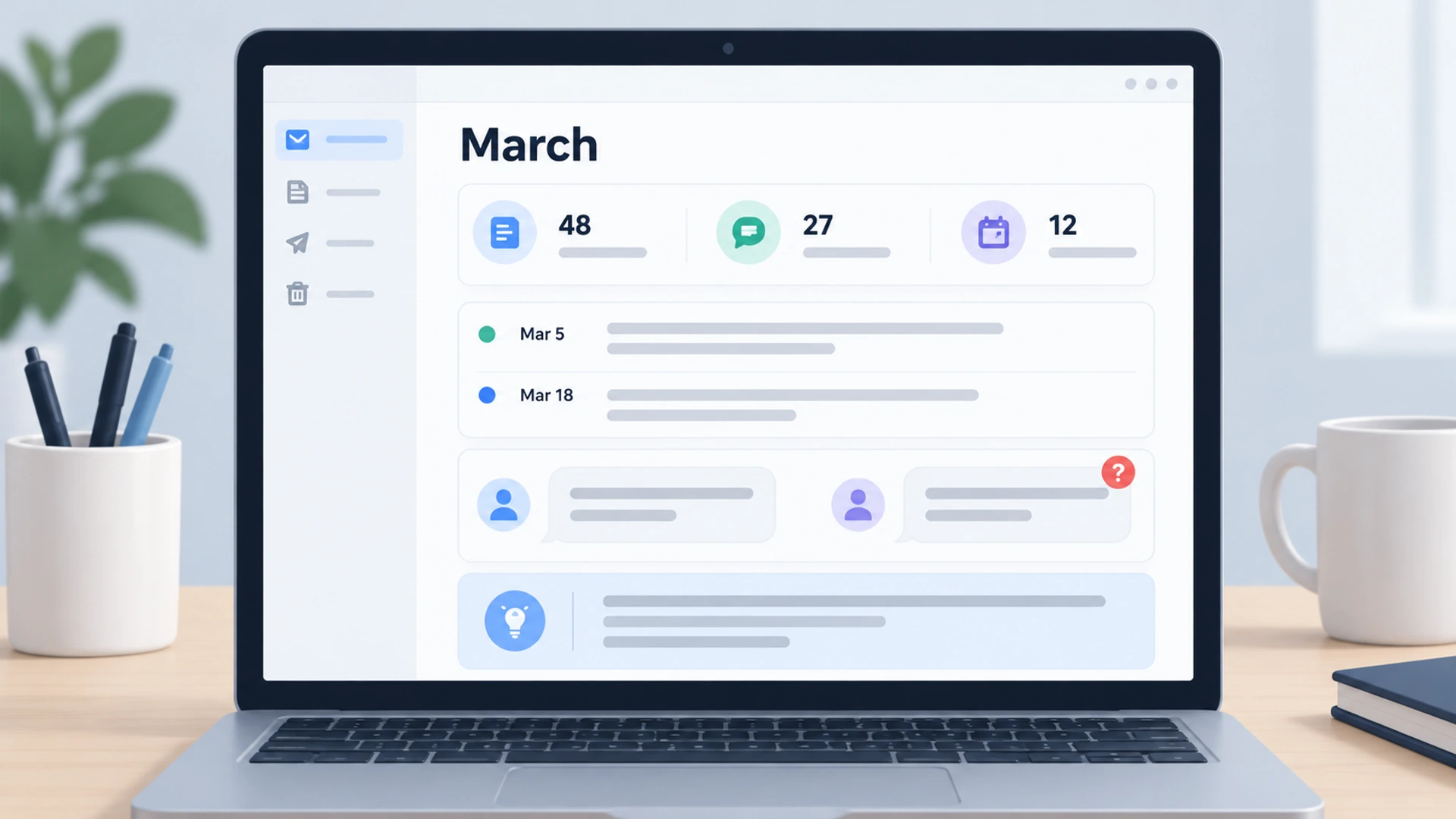
The numbers are in the Flidu dashboard. Analytics, in the sidebar, has a Website Widgets tab with widget opens, Contact tab opens and clicks by channel. The assistant's own Analytics tab lists Top Questions and Unanswered Questions. Be honest about what a click is. A WhatsApp tap hands the visitor to WhatsApp, and Flidu never sees the conversation.
And write the summary yourself. Our bet is that a client will ignore a dashboard link and read four short paragraphs from a person they know.
How To Set It Up In Flidu, One Client At A Time
Say the client is a heating firm with a Squarespace site.
- Give the client a workspace. In the workspace switcher choose Create Workspace, then go through Workspace Details, Choose Product Line, Choose Plan, and Review & Pay.
- Create the widget. Under Website Widgets in the sidebar, the New Website Widget flow has five steps: Website Details, Starting Setup, Channels, Appearance, and Preview & Create. Put the firm's email in the notification email field, not yours.
- Fill in and publish the channels. Each one you ticked is a draft on the widget's Channels tab. WhatsApp needs a Phone number with its country code and an Agent name, Business Hours the weekly schedule, Book Appointment the firm's booking URL, Leave a Review their Google review link. On each, Save as Draft, then Publish changes.
- Add the assistant. Under AI Chatbots, Create AI Chatbot has five steps too. At Data Sources, add the site's address and press Start indexing. At Preview & Connect, the last, choose Add to an existing Website Widget and pick the one you just made. A crawl reads a limited batch of pages, so afterwards check Indexed Content on the assistant's Data Sources tab, add any pages it missed as a Manual URL List, and press Ignore on any you don't want used.
- Install it once. Copy the snippet from the widget's Install tab and paste it into the site's footer code area, before the closing body tag. On Squarespace that's Code Injection (opens in a new tab), which its Basic plan currently leaves out.
- Publish Ask AI, then test as a visitor. On the assistant's Preview tab choose Publish Ask AI, load the live site once, and check the widget's Overview tab reads "Live on" followed by the domain. Send the form, tap WhatsApp, and ask the assistant one thing the site doesn't cover.
What Each Client Needs, And What The Widget Will Not Do
Flidu is sold as two product lines with separate plans: Website Widgets for the Contact tab, AI Chatbot for Ask AI.
- Free on Website Widgets: WhatsApp, Messenger, Instagram DM, Telegram, a maps link and the review link, with usage counters only.
- Website Widgets Starter adds the Contact Form, Business Hours, Book Appointment and clicks by channel.
- On AI Chatbot Free you get one assistant, a small monthly message allowance and usage counters only.
- AI Chatbot Starter adds Manual Q&A and the question analytics the summary depends on.
So all six add-ons mean both Starter plans for that client; the pricing page has the numbers. Your first workspace is free. Every further one needs at least one paid plan inside it, and a plan in one workspace does nothing for another. The Agency presets work the other way round: many websites, or many assistants, in one workspace sharing a single allowance.
Flidu isn't white-label: the widget carries a "Powered by Flidu" mark, and the control to hide it unlocks only once one of the two lines is on Business or higher in that workspace. There's no reseller billing and no client-report builder.
On the Starter plans the charts cover the last 7 or 30 days and nothing exports, so copy the numbers out each month. Contact Form submissions arrive by email; stored records start at Website Widgets Business. A Starter workspace has one seat, the Owner's, so the login is yours or the client's until a Pro plan on either line adds a second (workspaces and roles).
How To Package Them Without Becoming Unpaid Support
Unpaid support starts with a vague scope and a friendly client. The upsells for web design clients that stay profitable all have a number in them.
- Cap everything. If the plan includes changes, tests or recrawls, it says how many.
- One door for requests. A single email address with a stated turnaround. Not your personal WhatsApp at 9pm.
- Decide who owns each account. The Google profile and the domain belong to the client. For the widget, write down whose login owns the workspace and who pays for the plans. Transferring it later takes a second seat; our website handover checklist has the steps.
- Out-of-scope work has a price before it's needed. State your hourly rate in the same document, so "can you just" has an answer.
And keep the offer short. A client shown eight line items has been sold maintenance again. Our rule of thumb: the widget add-ons as one package with the summary on top, plus one by-hand job.
How To Price Upsells For Web Design Clients
We won't quote market rates. Forum figures are anecdotes, and none knows what your hour costs.
Time the work honestly for a month, multiply by your hourly rate, add the plan cost if you're paying it, and round up for the emails around it. Say you charge 80 an hour, and the monthly test, one recrawl and the summary take an hour and a half. That's 120 of your time before the plans.
The times below are our rules of thumb for a small brochure site. Replace them with your own.
| Add-On | Your Time | Price It As |
|---|---|---|
| Google profile upkeep | 30 minutes a month | Flat monthly fee |
| Content updates | 1 to 2 hours a month | Flat fee with a cap |
| Enquiry widget | 1 to 2 hours, then a monthly test | Setup fee plus plan cost |
| Ask AI assistant | Setup, then a recrawl per change | Setup fee plus monthly |
| Hours, booking, review link | Minutes a month | Bundled, not alone |
| Enquiries summary | 1 hour a month | Flat monthly fee |
How To Bill Recurring Work
Invoice in advance, on the same date each month, for a fixed amount. Anything variable (extra changes, a one-off page) goes on a separate invoice, so the recurring one never needs explaining.
Our sister product Hectile, an invoicing tool, has a guide to billing retainers and monthly clients with recurring invoices (opens in a new tab), and points out that a recurring invoice is not an automatic card charge, so check that your payment terms give every invoice a due date.
The cheapest way to sell any of this is to run it for a month, uncharged, for a client you already have. Ask first; it's their site. Build the widget in your first workspace on the Free plans, which cover one website. If sign-up already used it, open that site under Website Widgets and use its Channels tab. Free leaves out the Contact Form and shows usage counters only, so that first report will be thin. Send it anyway, with a price for doing it properly.