
Does A Chatbot On A Landing Page Help Or Get In The Way?
You pay for every click to a page with one job. Here is when a chat widget earns its corner, how we would set one up in Flidu, and how to find out in a week.
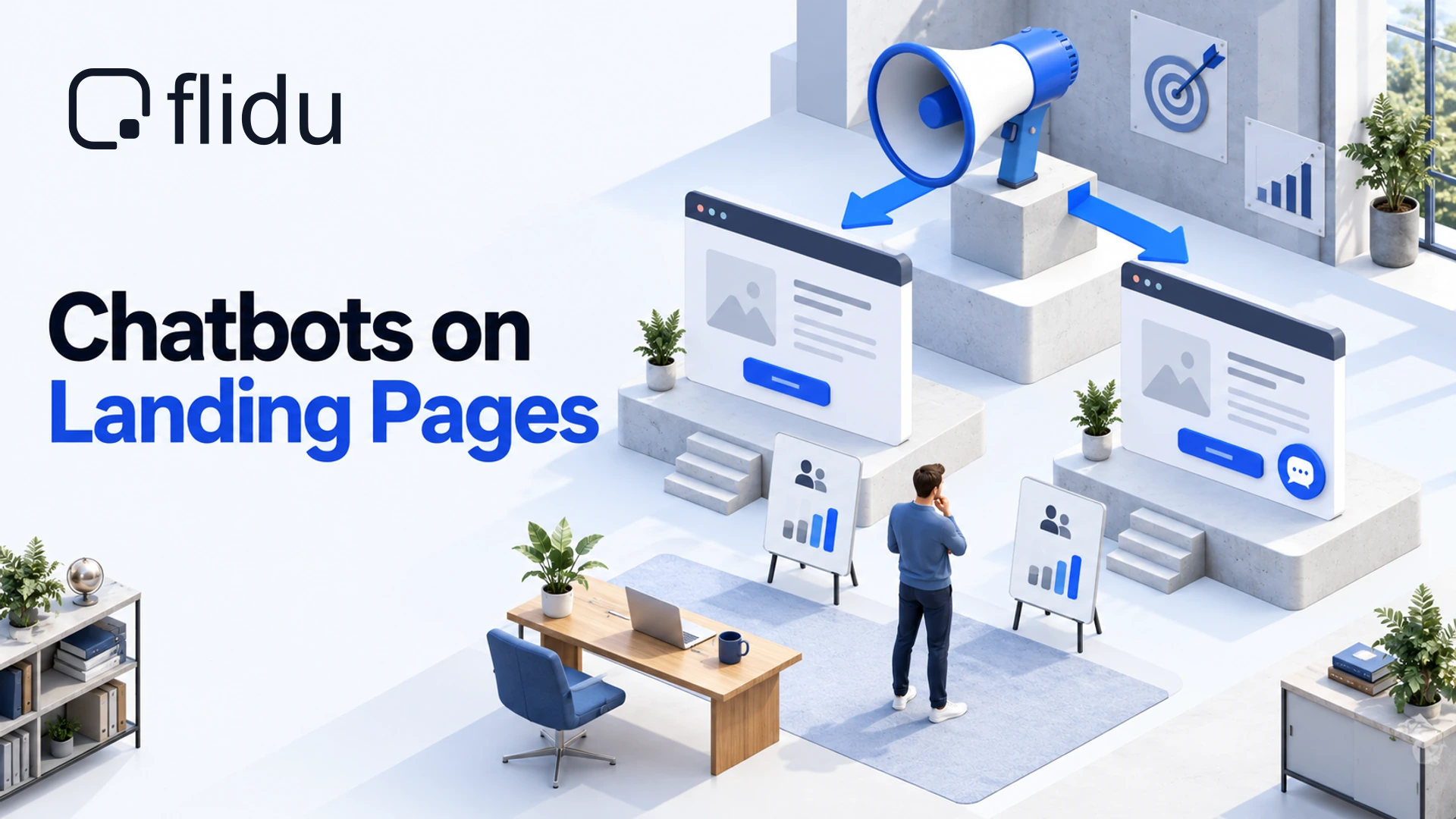
You have one page with one button on it, and a bill for every click that lands there. Then somebody suggests a chat bubble in the corner, and you can argue it either way. A chatbot on a landing page might catch the visitor who had one question left. It might also be the thing they tap instead of the button you paid to put in front of them.
We build Flidu, a website widget with a Contact side and an Ask AI side, so weigh what follows accordingly. Our view: it depends on the kind of page, and for one common kind the right call is to leave the widget off. We found no independent test that settles it, so we show how to run your own.
Should You Put A Chatbot On A Landing Page?
That depends on what the visitor still needs when they reach the button. Sort yours into one of three types.
| Page Type | Our Call | In Flidu |
|---|---|---|
| Short offer page that already converts | Leave it off | No snippet on this page |
| Page with a long form | Shorten the form first | Guided Form as a second route |
| High-consideration service | Add one, kept closed | Ask AI plus Contact |
A widget helps in two ways: it answers the last question between a visitor and the button, or it gives a second route to the person who will message but will not phone. It gets in the way in four.
- Attention. Anything that pulses or pops up in the corner competes with your headline.
- The button. On a phone, a launcher and a sticky call-to-action bar want the same strip of screen.
- Weight. Every third-party script is one more download on a page you pay people to load.
- Your numbers. Enquiries that start in the widget may never reach the ad account as conversions.
Short Offer Pages That Already Convert: Leave It Off
Say you sell a fixed-price furnace service. The page has a price, three bullet points and a Book Now button, and it turns clicks into bookings at a rate you are content with.
A page like this asks for one small decision, and the visitor already has what they need to make it. At best a chatbot moves a few people from the button you track to a conversation you might not. At worst it interrupts someone who was about to book.
If people do have questions, the fix belongs on the page. When callers keep asking whether the price includes parts, that is one line of copy under the price. Our piece on the questions your website should answer shows how to collect them.
In Flidu, leaving it off means no snippet on this page. If a shared template carries your site-wide snippet, take it out of this page’s template, or set Page Targeting (Website Widgets Pro) to Hide on Matching with the page’s path, then click Save Changes and Publish Changes. That rule hides the Contact side only, so a widget with an Ask AI tab needs the snippet removed.
Pages With A Long Form: Fix The Form First
Here the widget is being asked to rescue a form, and it cannot. When a page wants ten fields before anyone can enquire, a chat bubble gives visitors two things to avoid instead of one. Shorten the form first: our piece on a contact form nobody fills out covers what it can stop asking.
Once it is short, there is a fair case for a second route that asks one question at a time. In Flidu that is the Guided Form channel, from Website Widgets Pro. It asks your own questions, shows how many are left, and lets visitors skip optional ones.
Three limits. A Guided Form lives inside the widget, so it sits beside your page’s form and cannot replace it. It has no branching: every visitor gets the same questions in the same order. And answers arrive by email; a stored list you can export needs the Data Hub on Website Widgets Business. People call this a chatbot. It is a form with better manners.
High-Consideration Services: Where It Earns Its Corner
Here we would add one. Someone weighing up a kitchen remodel or dental implants does not enquire on impulse. They arrive with objections, and until those are dealt with, the form asks for a commitment they are not ready to make.
Answer everything on the page and you bury the one thing each visitor came for. An assistant that answers from your own pages lets each visitor pull out the answer they need.
Find The Two Objections Before You Add Anything
Go through your last ten enquiries and write down the first thing each person asked. A few will repeat, usually versions of these:
- Roughly what will it cost?
- How long does it take?
- Do you cover my area?
- What happens after I send the form?
Put the top two on the page, near the button. The rest belong on pages the assistant can read: Flidu’s Ask AI answers from sources you approve, and is built to say so, in its own words, when they do not cover a question. On a paid page that empty reply is one you have bought, so put 30 awkward questions to it first.
Give The Landing Page Its Own Flidu Widget
A landing page should not inherit the widget from the rest of your site. A campaign page wants two or three actions and answers about this offer only. Each Flidu widget has its own snippet, so the page can have one to itself. Our page on a chatbot for landing pages has example setups.
Build It And Paste It On One Page
- Create the widget. With a free account, open Website Widgets in the dashboard and start a new widget (the setup guide covers the flow), choosing “Start from scratch”. A website added during sign-up already has a widget you can use. For a second widget on the same site, use Add Widget on its Overview tab and pick Create and Publish, because a draft never shows on the page.
- Add two or three channels. On the Channels tab, click Add Channel, fill it in, then Save as Draft and Publish changes. WhatsApp, Messenger, Instagram DM, Telegram and a call button are on Website Widgets Free; Contact Form starts on Website Widgets Starter.
- Copy the snippet. Open the widget’s Install tab and click Copy.
- Paste it on that page only, just before the closing body tag or in the page’s custom-code area.
- Look for a second snippet. If a shared template also loads your site-wide one, each widget draws its own launcher.
- Verify. Load the page, then click Verify Installation on the Install tab.
Website Widgets Free publishes one widget, so a second one for the campaign needs Website Widgets Starter. Pricing has the limits.
If your site builder only allows site-wide code, paste the campaign snippet there, set that widget’s Page Targeting to Only Matching with the page’s path, and give your main widget Hide on Matching for the same path. Both are Website Widgets Pro rules and act on the Contact side only, so an Ask AI tab would still show on every page.
Contact Only, Ask AI Only Or Both
The same widget can show Contact only, Ask AI only, or both as tabs. Choose by what the page’s main action leaves out.
- Contact only suits a page whose copy already answers the questions: WhatsApp beside a call button, or a call button beside a form. Add that one as a Custom Link (one live per widget below Website Widgets Business): type your phone number into “Link URL”, choose the Phone preset icon and label it “Call now”. On a desktop it needs a calling app.
- Ask AI only is for a page where questions are the obstacle. Under AI Chatbots, click Create AI Chatbot. At Data Sources, add a Manual URL List with the landing page plus the few pages that explain the offer, then press Start indexing. Once that finishes, the last step offers “Install as Ask AI-only”, which uses no Website Widgets slot and has its own install code.
- Both is what we would run on a paid page. Publish the Contact widget first, then choose “Add to an existing Website Widget” on that last step. Ask AI joins as a draft, so finish with Publish Ask AI on the assistant’s Preview tab. One snippet carries both tabs.
We pair them for the hand-off, which an Ask AI-only install lacks: the Contact tab sits beside the Ask AI tab, so a visitor Ask AI could not help can switch at any point. Nor is this live chat: nobody on your side joins the conversation, and what the visitor typed does not follow them into WhatsApp or a form.
Your top objections can go in as Suggested Questions, prompts a visitor can tap when Ask AI opens. AI Chatbot Free shows three at a time, with one assistant and 100 AI messages a month, your own Preview questions included.
Stop The Widget Competing With The Main Action
When A Chatbot On A Landing Page Should Appear
Plenty of chat tools can open themselves: on page load, after a delay, at a scroll depth, or as the visitor leaves. On a paid page we would refuse all four. Flidu’s launcher has none of them: it sits closed in its corner until the visitor taps it.
The only nudge is Widget Attention Effects, on Website Widgets Pro: a Subtle Pulse, Soft Ring or Gentle Wiggle on the launcher. On a paid page we would leave it off, or set Trigger to “After a delay” so the headline gets read first.
Keep It Off The Call To Action On Mobile
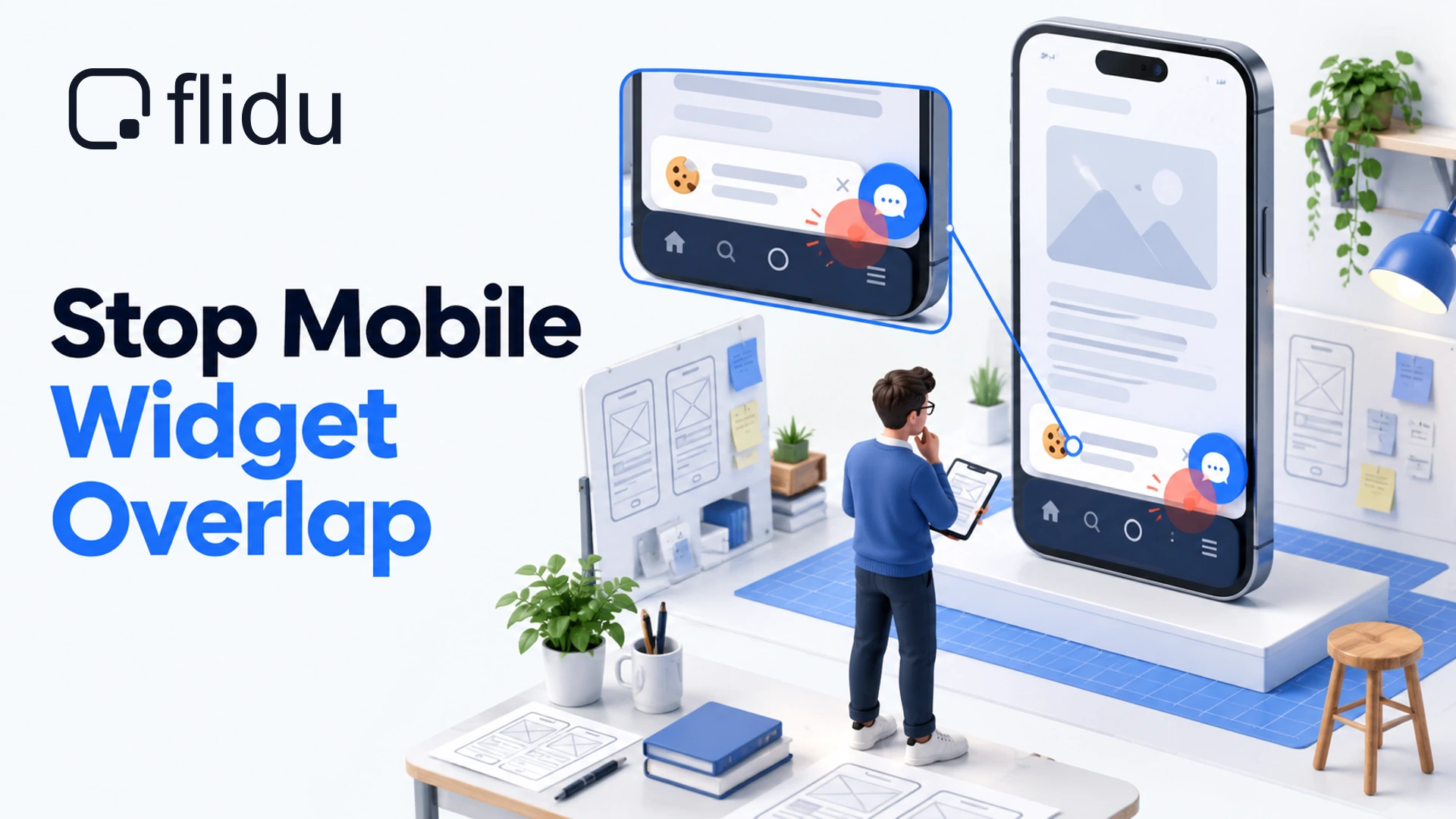
Open the page on a real phone and tap your main button with the widget present. Flidu’s launcher goes bottom right or bottom left (Position, on the Appearance tab, every plan), with no offset setting to lift it above a sticky bar.
If they collide, the button wins. Move the bar to the top of the page, or open the Visibility & Targeting tab, deselect Mobile under Widget Visibility by Device (Website Widgets Starter), then save and publish. It too leaves an Ask AI tab in place. Stop Your Chat Widget Covering Content On Mobile works through each collision.
Run A With-And-Without Test For One Week
Everything above is judgment, and we promise no lift. Whether a chatbot on a landing page helps your page takes evidence. Flidu has no A/B testing, so the split runs from your ad account. For a page between types, test the lightest version: Contact only, one WhatsApp channel.
- Copy the page. Same headline, offer and form, on a second URL kept out of search with a noindex tag. Paste the campaign widget’s snippet on one copy only. Run both through PageSpeed Insights (opens in a new tab) to see what the script costs.
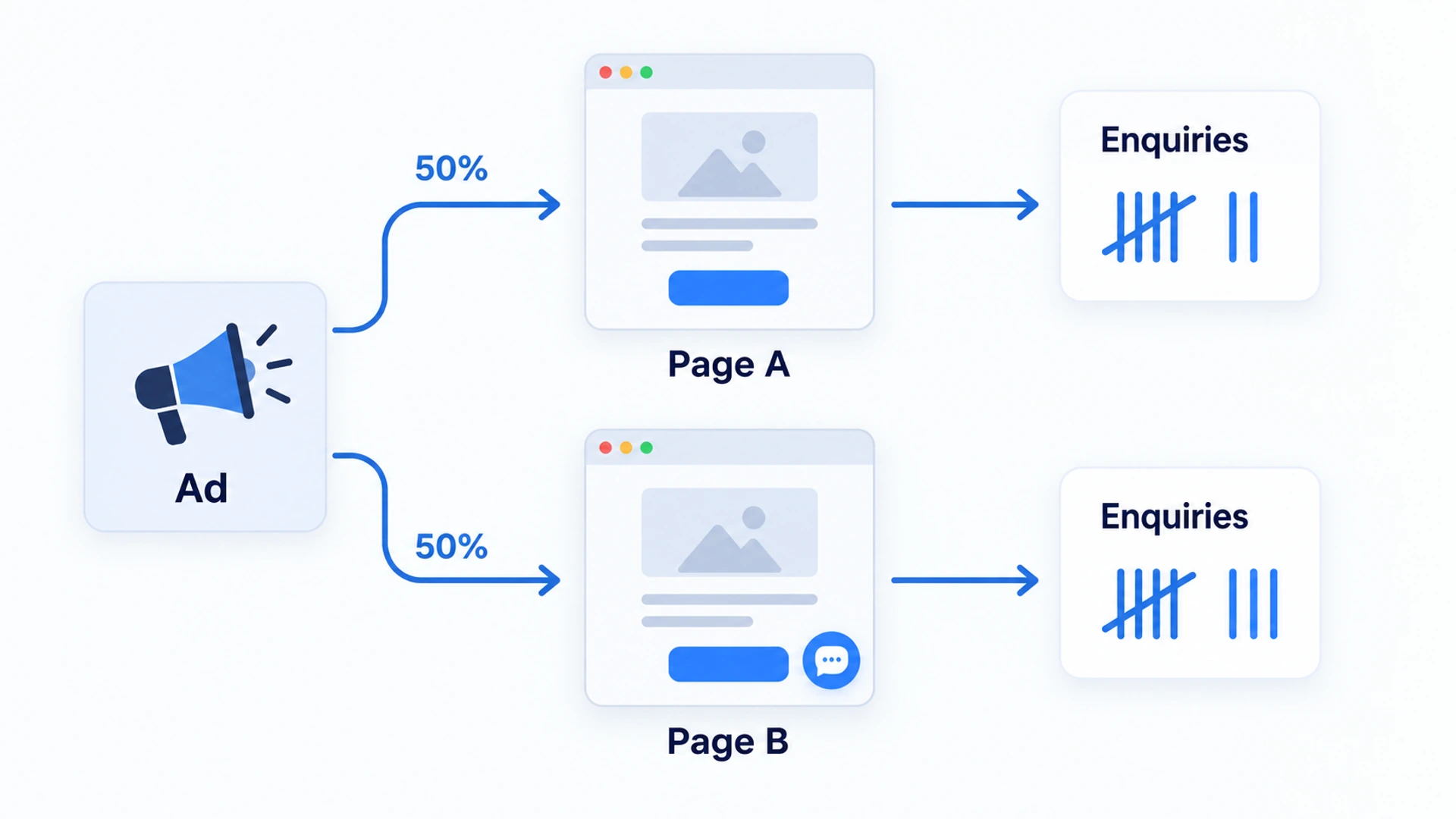
- Split the clicks. In Google Ads, for responsive search ads, set up an ad variation (opens in a new tab) that uses Update URLs to swap in the copy’s address, with the experiment split at 50 percent. Meta Ads Manager has its own A/B test (opens in a new tab); check that the landing page can be the only difference. Failing both, alternate weeks, which is a weaker test.
- Freeze everything else. Same budget, ads, audience and offer throughout.
- Count enquiries per version. Give the copy’s own form a different notification subject line, so the emails sort themselves. Calls need a tracking number per copy.
- Run seven full days at least, so every weekday is counted once.
- Compare enquiries per 100 clicks, not totals. The split is a share of budget, so the two versions rarely get the same clicks.
How To Read A Small Result
With a week of data, most gaps are noise. Eleven enquiries against fourteen is not a 27 percent lift. It is three people. In an ad variation report, Google marks a statistically significant difference with a blue asterisk, and on a small budget you may never see one.
A tie goes to the simpler page. Leave the widget off: one less script, one less thing to track. And if the widget version wins clearly, check what the extra enquiries were worth. Ten more messages asking whether you are hiring are not ten more leads.
Keep The Questions Even If You Drop The Widget
Whatever the test says, the week leaves you with something the ad account cannot report: what people asked. From AI Chatbot Starter, the assistant’s Analytics tab lists Top Questions and Unanswered Questions. On AI Chatbot Free you see usage counters only, so read the messages and forms that reached you. When the same question turns up five times, the page is missing a sentence.
Add it near the button, then watch what gets asked next. Sometimes the questions dry up, and the copy has done its job. When new ones keep arriving, the widget is doing work the copy cannot.
Frequently Asked Questions
Should I put a chatbot on my landing page?
Does a chat widget hurt landing page conversion?
When should a chat widget appear on a page?
Is a chatbot better than a form on a landing page?
Does a chat widget slow down a landing page?
 Website WidgetsStop Your Chat Widget Covering Content On Mobile
 Conversion & Visitor ExperienceWebsite Traffic But No Enquiries? Check These Four In Order
 Conversion & Visitor ExperienceNobody Fills Out Your Contact Form. Is It Even Working?
 AI ChatbotIs An AI Chatbot Worth It For A Small Business? Often Not